Install WSL
First we need a Linux like terminal in our windows, and we can do that easily, use WSL
wsl --install
This will Install wsl to your windows to run a linux terminal within windows and will run ubuntu
 So, we have to reboooooot…!
Once rebooted, the ubuntu will be initialized and ask you the username and other stuffs

This is coool right…!
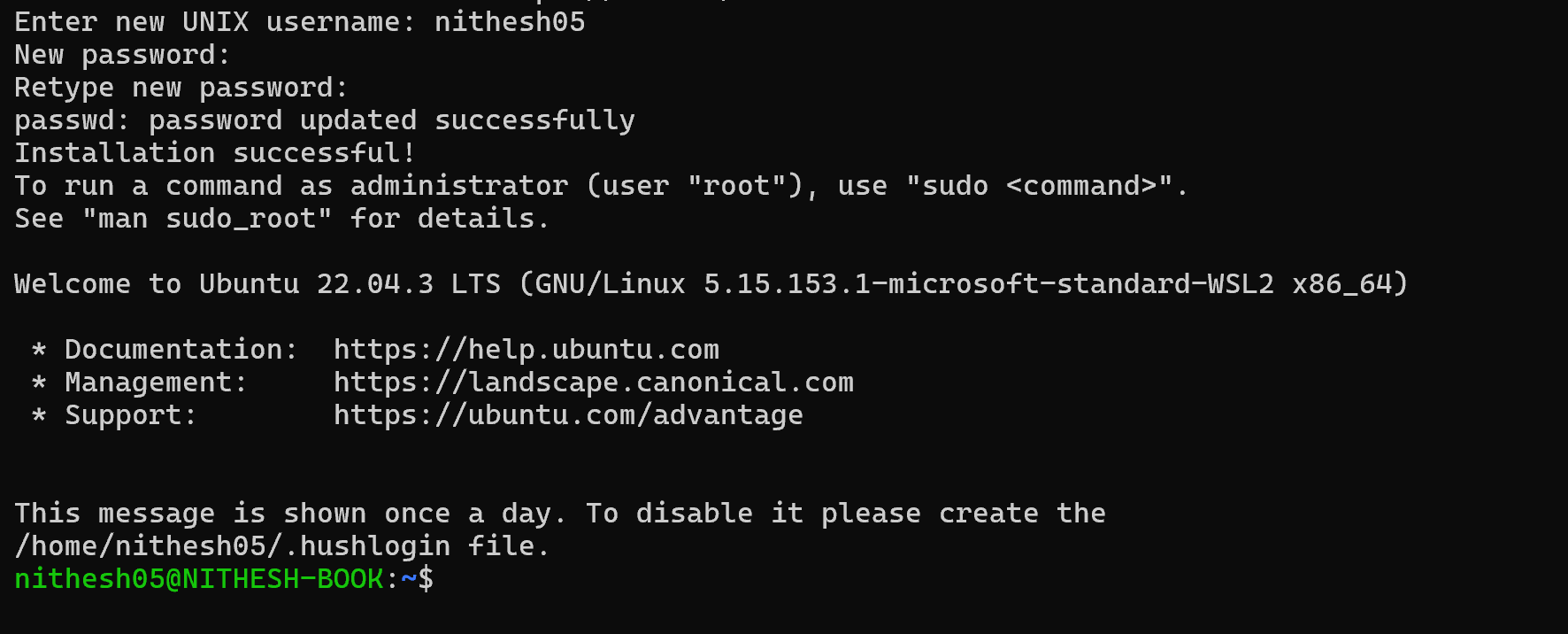
Also you can initiate your ubuntu with this command
wsl -d Ubuntu

Now our ubuntu is ready, Will install OLLAMA (Our Personalized AI buddy)
Use this link to do so’ Click Me to Get OLLAMA
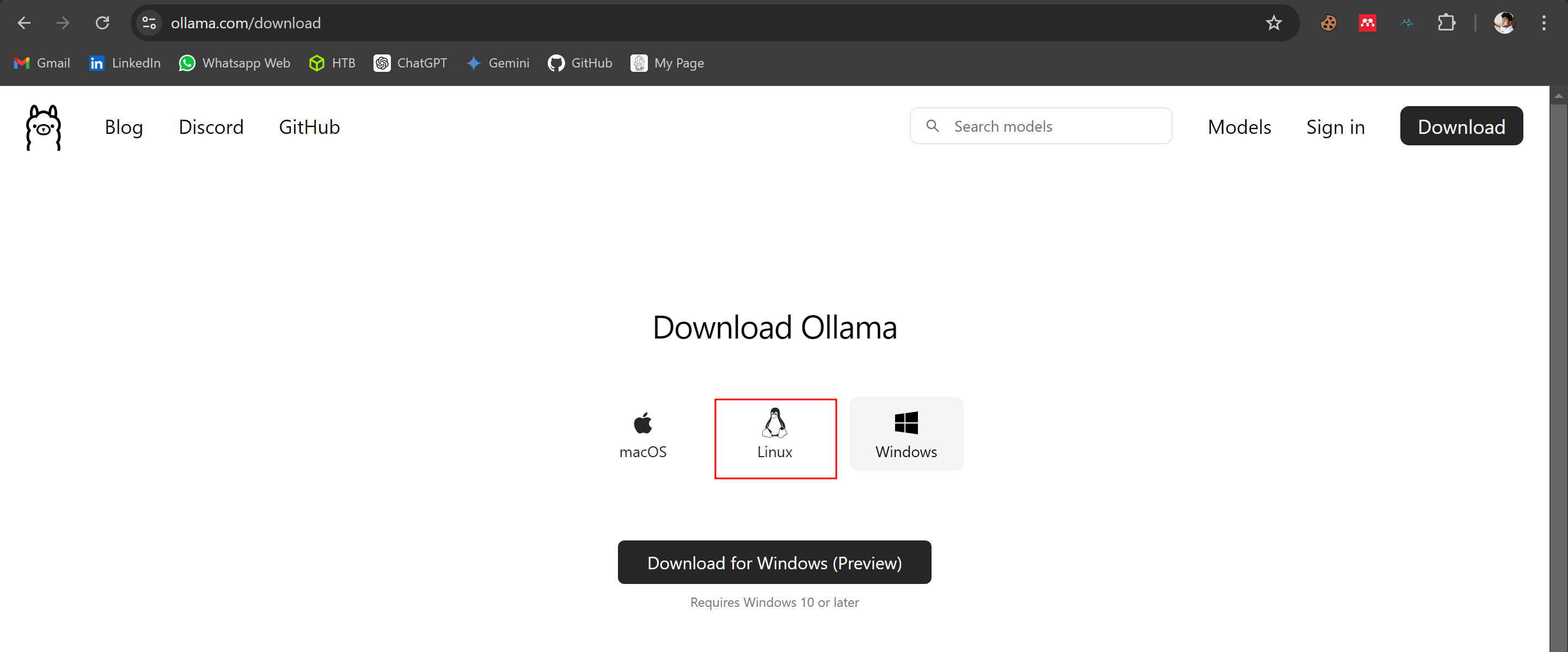 We Gonna get the linux guyyyy
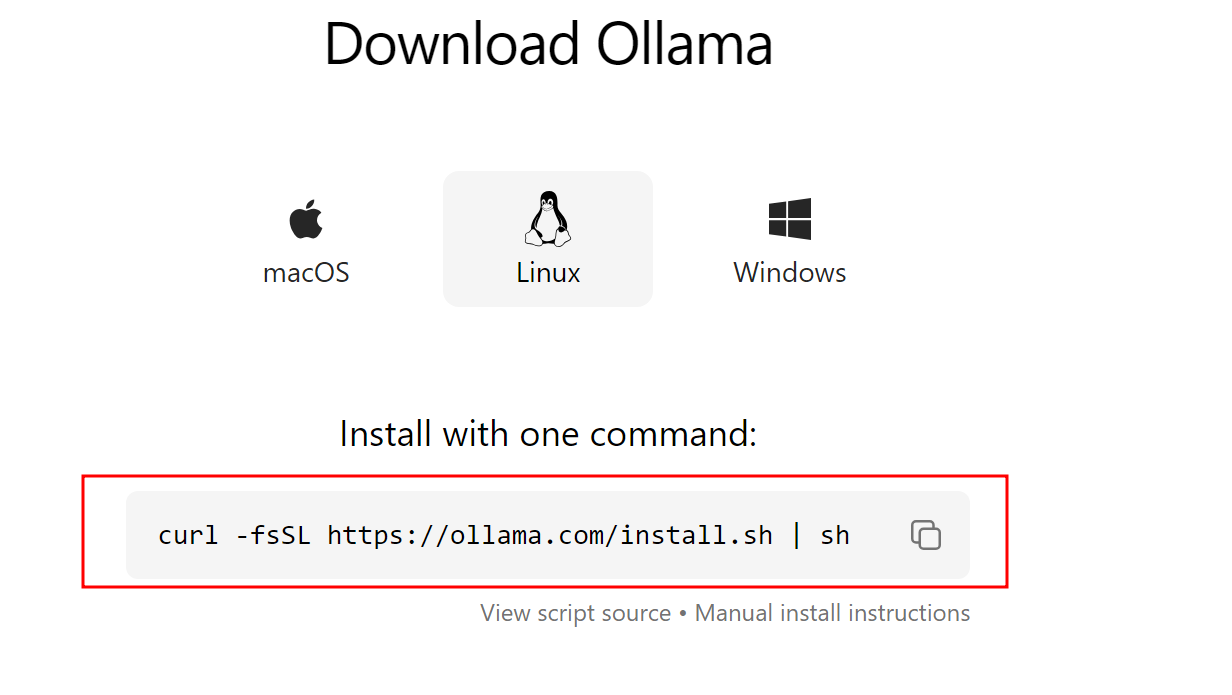
Install ollama
Run this command in your ubuntu to install OLLAMA Manual Instruction to install OLLAMA
curl -fsSL https://ollama.com/install.sh | sh
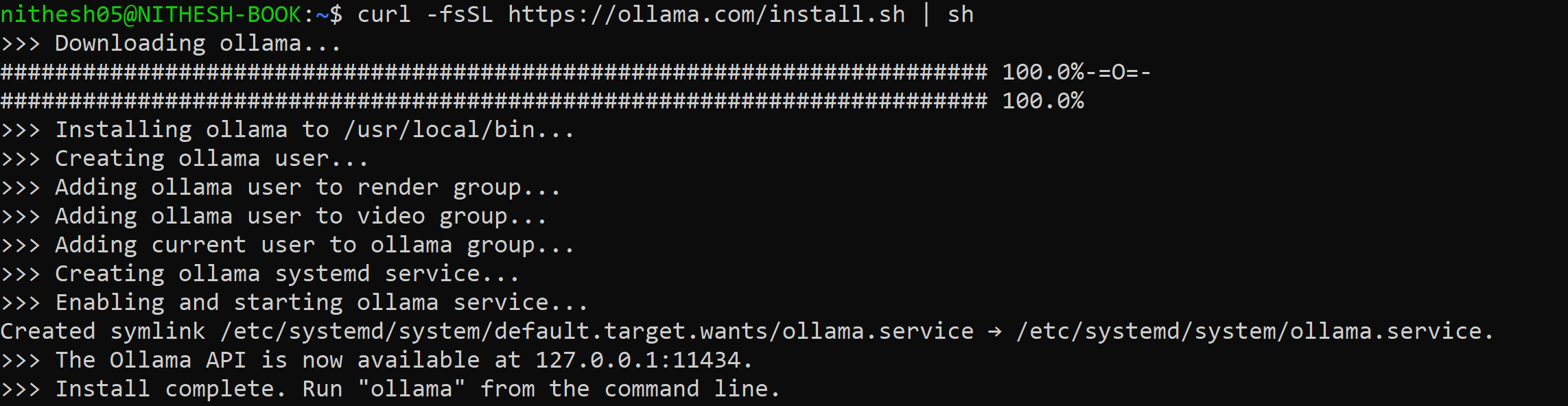
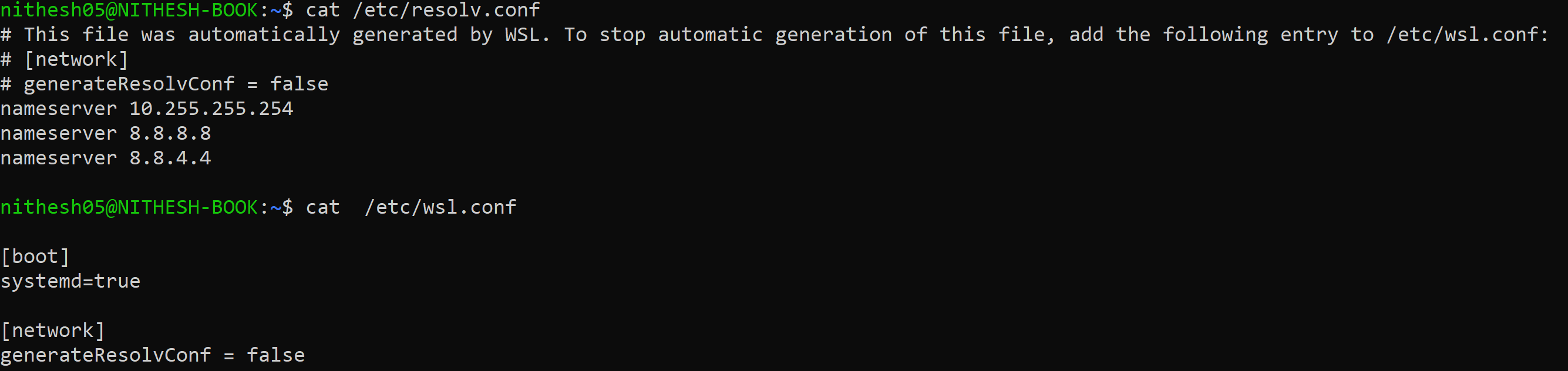
If you can’t resolve the web address address, edit your resolv.conf and wsl.conf file Add this lines to the files accordingly In /etc/resolv.conf
nameserver 8.8.8.8
nameserver 8.8.4.4
In /etc/wsl.conf
[network]
generateResolvConf = false
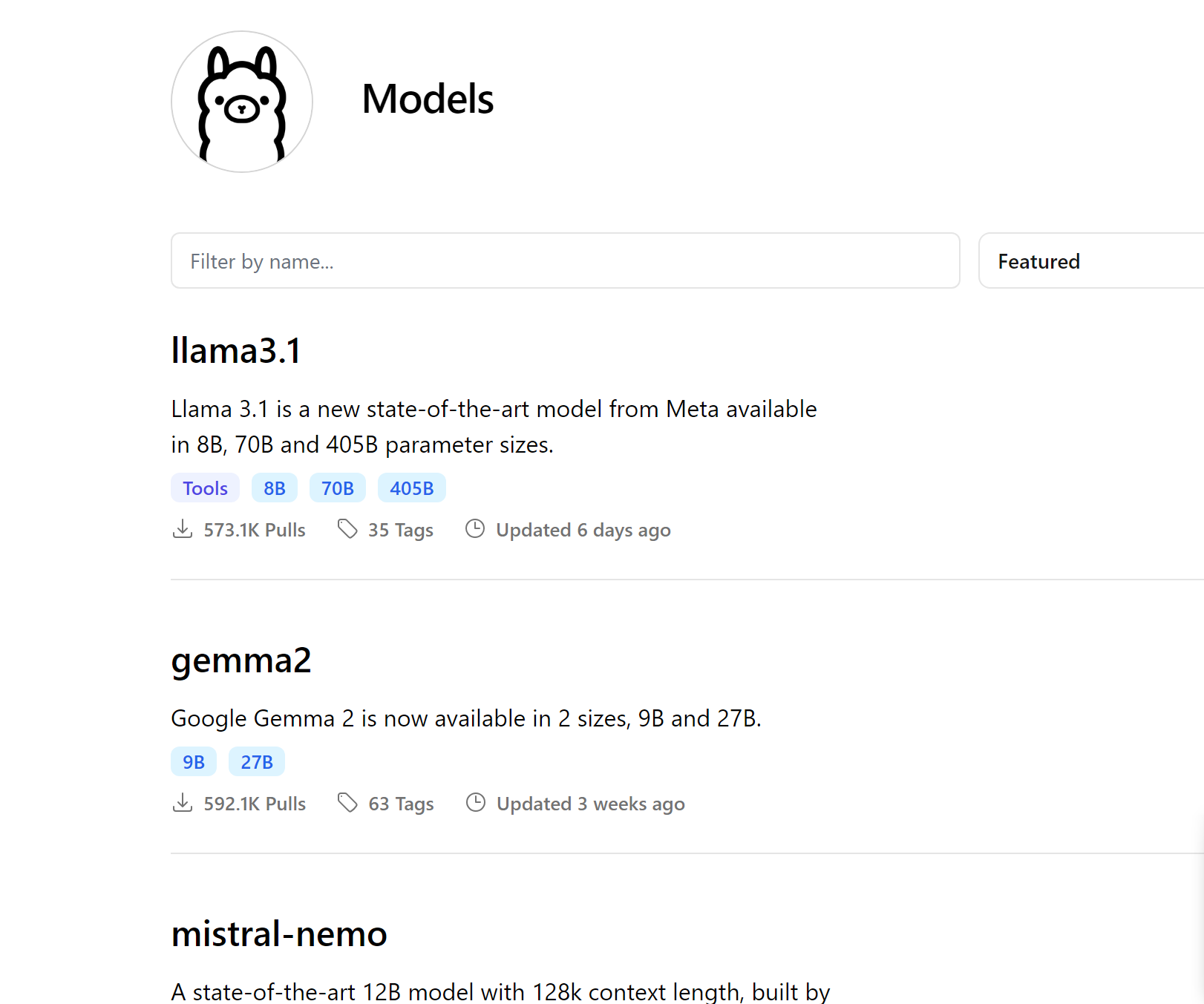
We got hell lot of models to pull, You can pull whatever you want OLLAMA Models
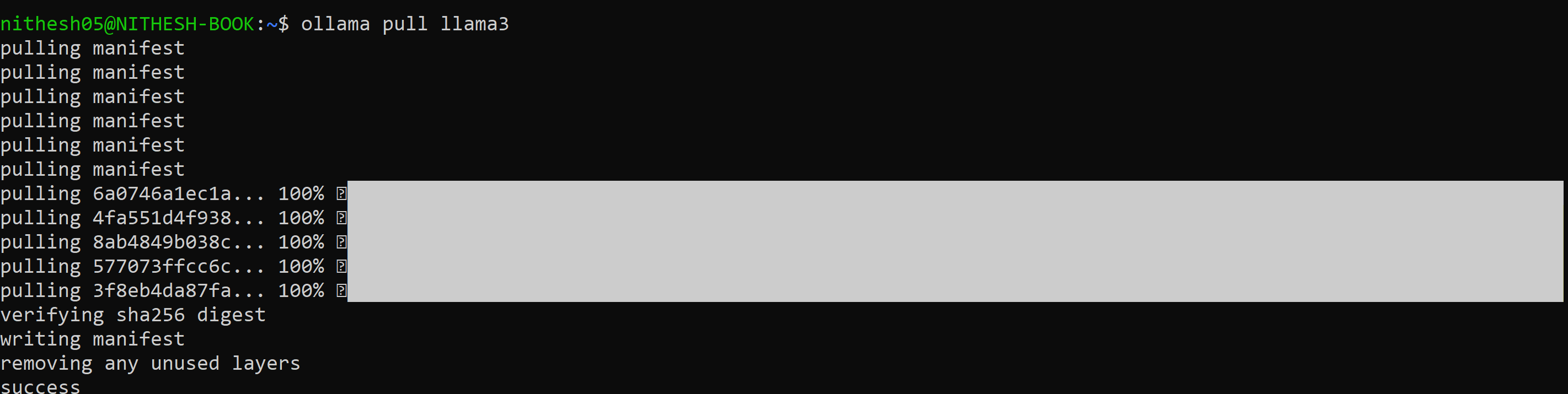
Now will pull the latest llama model llama3
ollama pull llama3
 You can also use the latest llama model, like llama3.1 as of AUG 3rd 2024
To start your AI to work
ollama run llama3
 The highlighted texts are my queries, You can just use this locally, no internet needed, control over your data, cozzz its running locally.
You can explore more…! Just use this like Chat GPT.
Welll So far so good, how about creating a standard Web UI for your AI models >?
Will do that, now we need a docker to achieve this, Just use the command bellow to get a clean Web UI for your personalized AI models
Install Docker
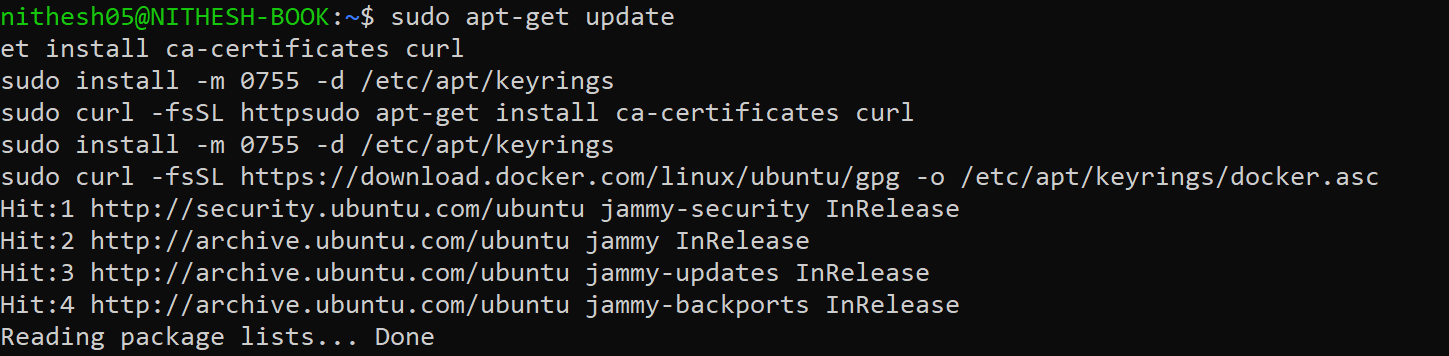
Add Docker’s official GPG key
sudo apt-get update
sudo apt-get install ca-certificates curl
sudo install -m 0755 -d /etc/apt/keyrings
sudo curl -fsSL https://download.docker.com/linux/ubuntu/gpg -o /etc/apt/keyrings/docker.asc
sudo chmod a+r /etc/apt/keyrings/docker.asc
Add the repository to Apt sources
echo \
"deb [arch=$(dpkg --print-architecture) signed-by=/etc/apt/keyrings/docker.asc] https://download.docker.com/linux/ubuntu \
$(. /etc/os-release && echo "$VERSION_CODENAME") stable" | \
sudo tee /etc/apt/sources.list.d/docker.list > /dev/null
sudo apt-get update

Now Install Docker
sudo apt-get install docker-ce docker-ce-cli containerd.io docker-buildx-plugin docker-compose-plugin
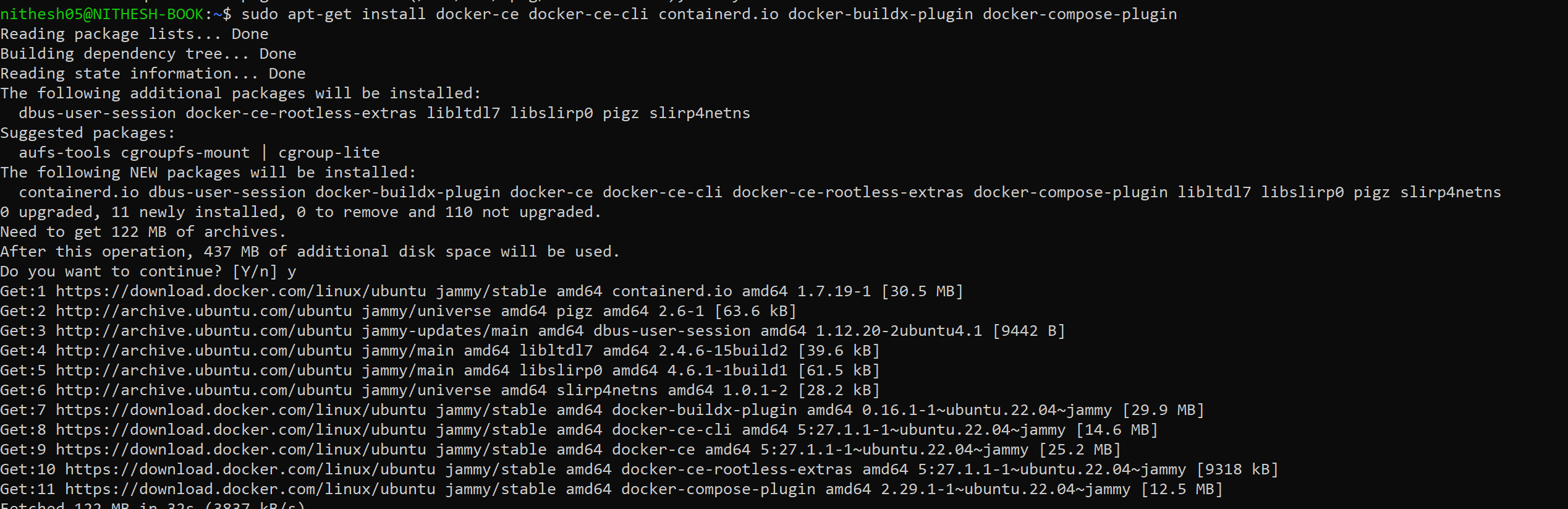
Now will run the Docker and tie our Ai running locally on port 11434
sudo docker run -d --network=host -v open-webui:/app/backend/data -e OLLAMA_BASE_URL=http://127.0.0.1:11434 --name open-webui --restart always ghcr.io/open-webui/open-webui:main
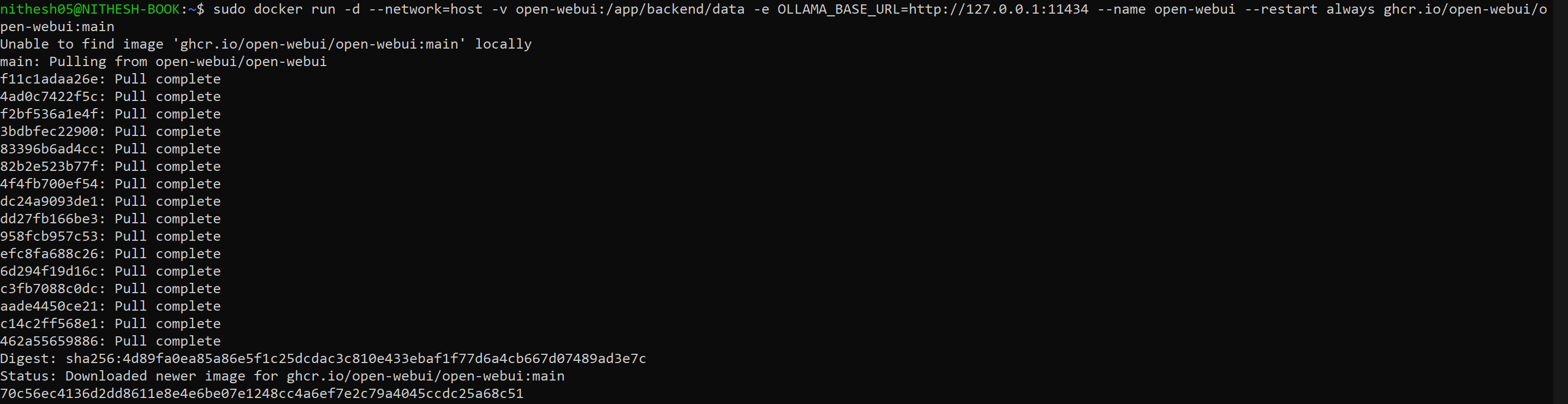 This will take sometime to download relevant packages
Once the download completed, you can see your Open Web Ui on port 8080 https://localhost:8080
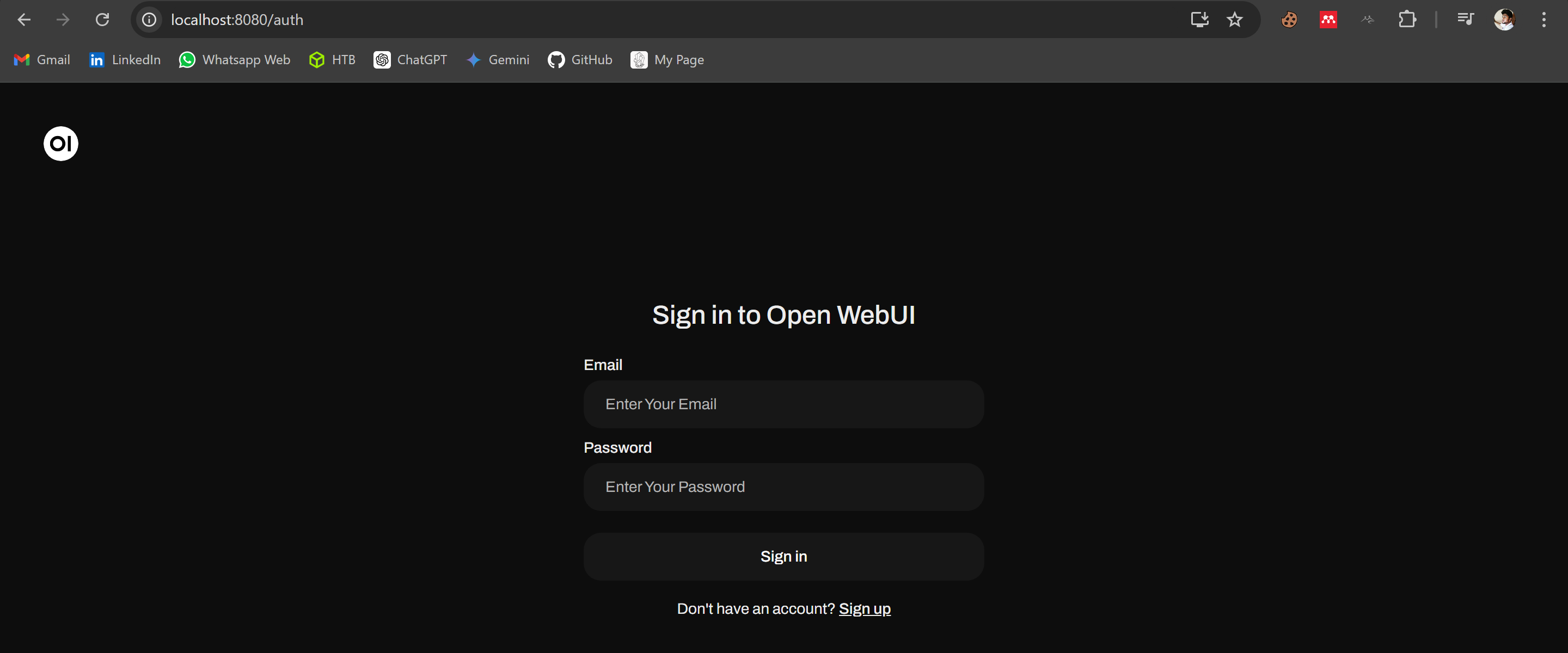
First Sign up, and whoever signing up first will be the admin of the AI platform
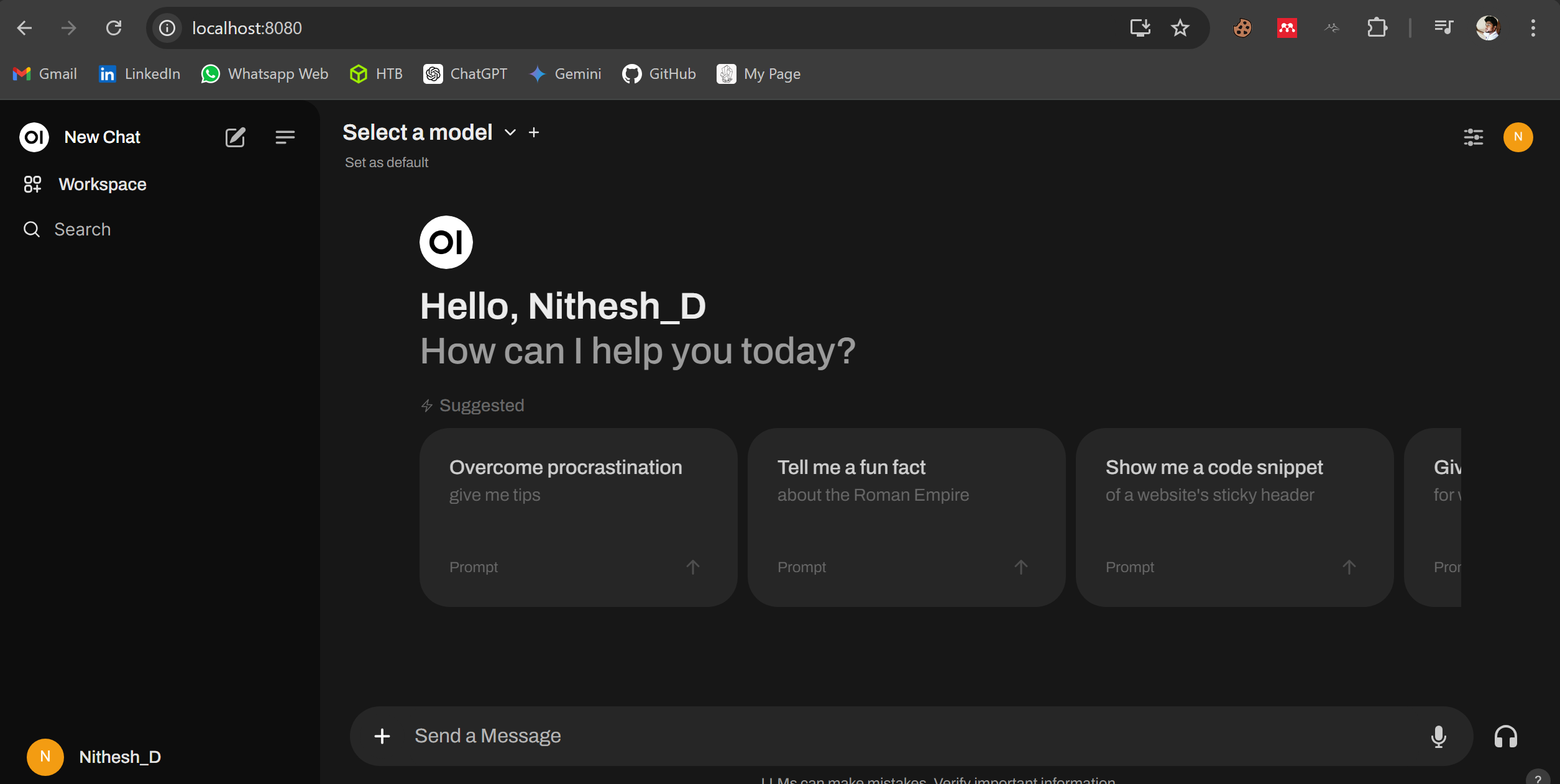 Coooool…! Now I have my own AI like Chat GPT and Gemini
Now you are admin, you can host it locally and just use with your friends or family connected with your network and you can do many many manyyyyy thing with this, explore from here .
There are lot of other models in ollama, research a bit, dive into the ollama’s Library and pull the AI model You want.
I have three models as of now, this works great…!

Also you can see my models in my Web UI
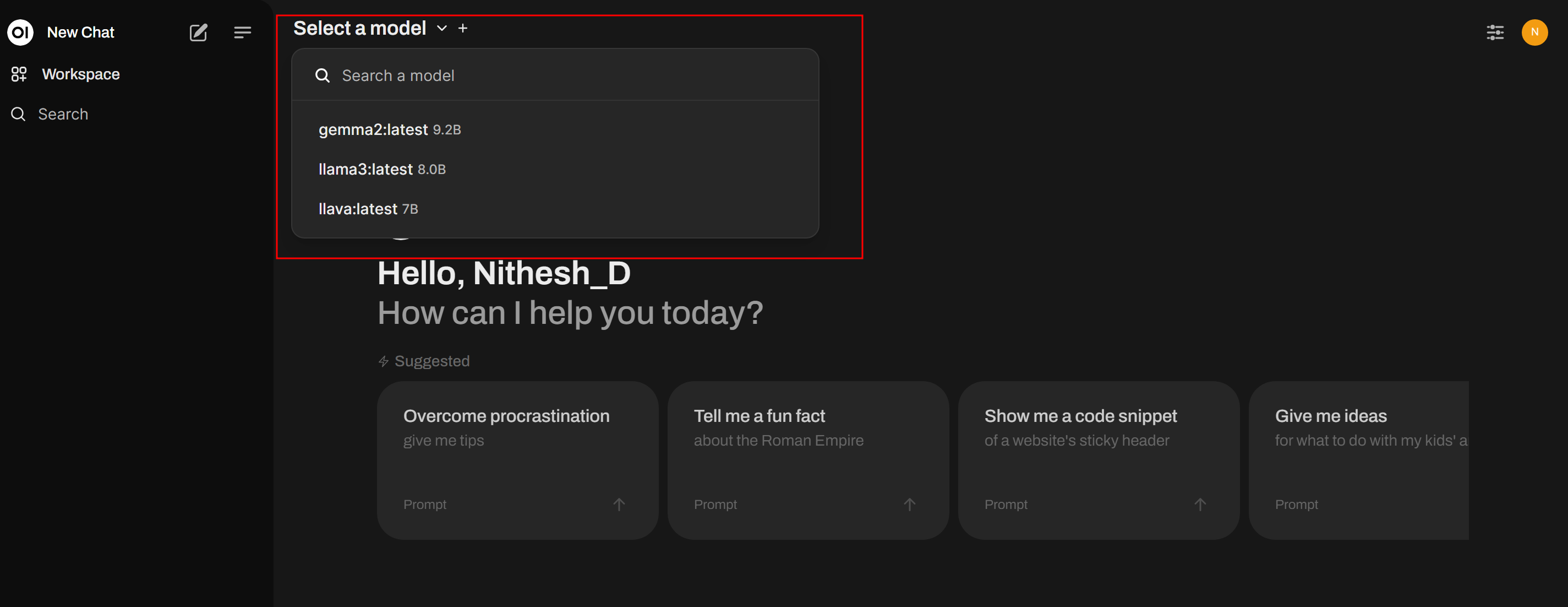
So you can choose your model according to your work, Like for coding, summarizing large content, Image analyser, There are lot of models, that can do all this things together, and also there are lot of individually trained models for specific tasks.
Enjoy…:)